
Lesson Overview
Read and write simple text files so program data can survive after the program closes.
Portfolio focus: Save a list of tasks to a text file.
Starter: think before typing
Before running this data persistence example, find the line where the main idea becomes active. Write a prediction: what must already be true for that line to work, and what should be different after it runs? The checked run ends with `Loaded tasks: 3`; predict how the focus line helps produce that evidence.
Learning Objectives
- Explain why persistence matters.
- Read text data safely from a file.
- Write simple output files.
- Handle missing-file and format problems responsibly.
Learning Outcomes
- By the end of the lesson, you can explain why persistence matters.
- By the end of the lesson, you can read text data safely from a file.
- By the end of the lesson, you can write simple output files.
- By the end of the lesson, you can handle missing-file and format problems responsibly.
Why this idea exists
Persistence exists because memory is temporary. Early programs became more useful when they could store results, reload data and exchange files with other systems.
File I/O forces programmers to think about the boundary between a running program and the outside world. Files may be missing, locked, malformed, encoded differently or changed by another process.
A degree-level solution treats storage as a design concern: what format is used, what errors are possible, what recovery is reasonable and how the user knows whether data was saved safely.
Deep dive
Mechanism in this example
The important mechanism is visible around `String storedText = String.join("\\n", savedTasks);`. Read it as a concrete move in the program, not as decorative syntax: identify what value, object, branch, call or boundary is being created at that point.
Design pressure
A degree-level solution treats storage as a design concern: what format is used, what errors are possible, what recovery is reasonable and how the user knows whether data was saved safely.
Failure mode to watch
For File I/O and Persistence, deliberately disturb the assumption behind `String storedText = String.join("\\n", savedTasks);`: use an awkward value, missing input, wrong order of calls or boundary case. The useful question is how that disturbance exposes a weakness in the data persistence design.
Extension step
Extend the example by doing this: Load the tasks when the program starts. The point is to make one small change that forces you to revisit the concept, rather than adding unrelated features.
Portfolio standard
The portfolio note should not repeat the lesson wording. It should show the edited code, the run result, and your own explanation of this evidence: add one clear error message for a missing file.
Lesson visual
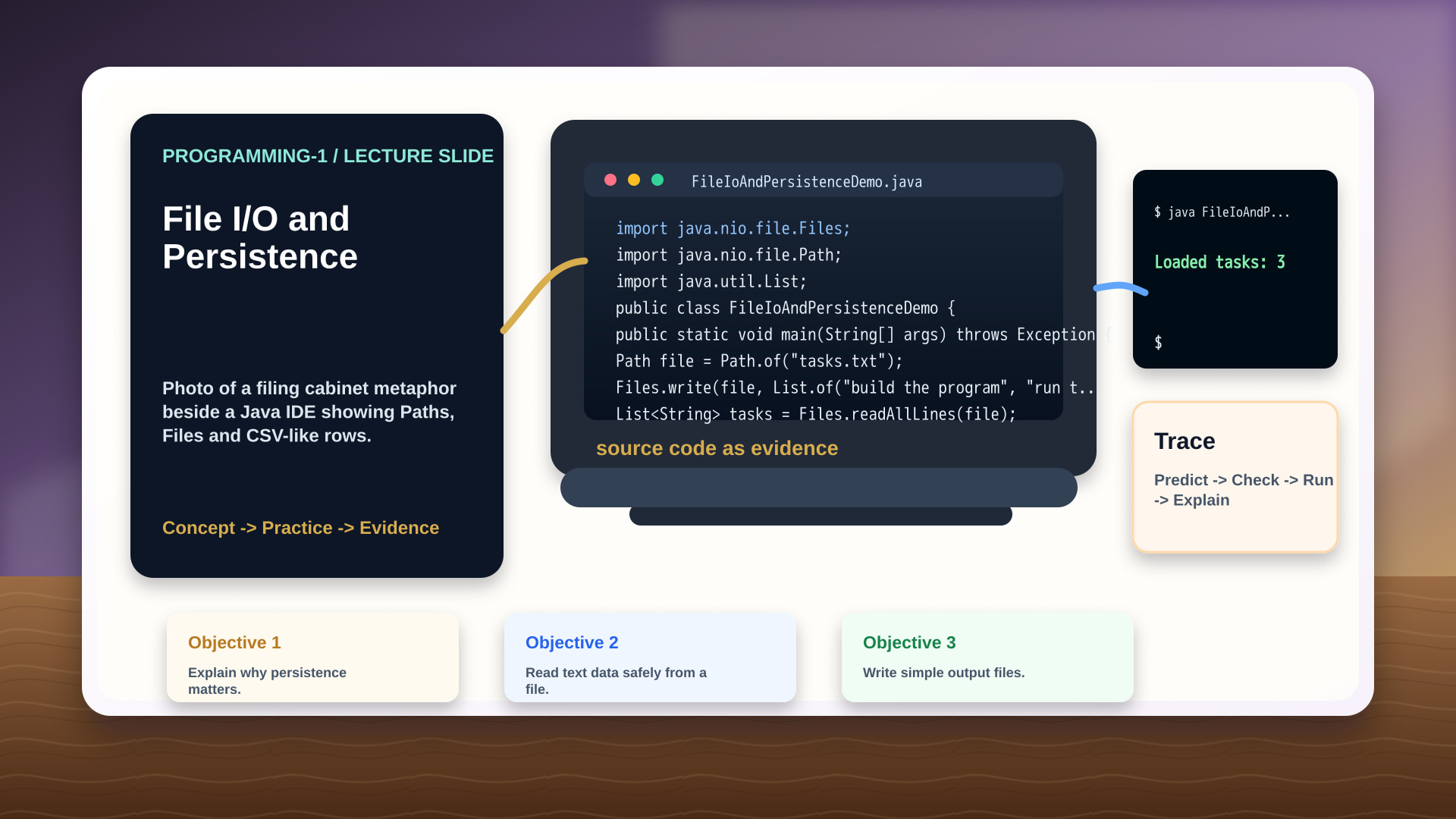
Type this and run it
Create FileIoAndPersistenceDemo.java, type the program, and run it before changing anything. This section is about reproducing the checked baseline.
public class FileIoAndPersistenceDemo {
  public static void main(String[] args) {
    String[] savedTasks = {"build the program", "run the tests", "explain the output"};
    String storedText = String.join("\n", savedTasks);
    String[] loadedTasks = storedText.split("\n");
    System.out.println("Loaded tasks: " + loadedTasks.length);
  }
}
Build and run it with:
javac FileIoAndPersistenceDemo.java && java FileIoAndPersistenceDemoExpected baseline: Loaded tasks: 3
Run the code in your browser
Use the editor as an experiment surface. First run the checked version, then make one small change to the part of the program that demonstrates data persistence and compare the new behaviour with the reference output.
Loaded tasks: 3Line-by-line explanation
Read the code as a sequence of responsibilities. The focus line for this lesson is String storedText = String.join("\\n", savedTasks);; the surrounding lines prepare it, use its result or make the behaviour observable.
public class FileIoAndPersistenceDemo {This names the runnable class for the File I/O and Persistence example, giving the compiler and JVM one clear unit to build.
public static void main(String[] args) {This is the program entry point. In File I/O and Persistence, it keeps the demonstration of data persistence in one traceable starting script.
String[] savedTasks = {"build the program", "run the tests", "explain the output"};This introduces savedTasks as named state for File I/O and Persistence. Later lines can read, update, pass or print that specific value as evidence.
String storedText = String.join("\n", savedTasks);This introduces storedText as named state for File I/O and Persistence. Later lines can read, update, pass or print that specific value as evidence.
String[] loadedTasks = storedText.split("\n");This introduces loadedTasks as named state for File I/O and Persistence. Later lines can read, update, pass or print that specific value as evidence.
System.out.println("Loaded tasks: " + loadedTasks.length);This prints "Loaded tasks: " + loadedTasks.length as the observable evidence for File I/O and Persistence. The output lets the learner check whether the data persistence idea behaved as predicted.
}This closes the innermost File I/O and Persistence block, so the immediately preceding method, branch or loop has finished.
}This closes the outer File I/O and Persistence structure, returning the reader to the surrounding class or file.
Worked example
From code to explanation
Problem: Use File I/O and Persistence to complete a small portfolio-quality step: Save a list of tasks to a text file.
Method: Locate the line `String storedText = String.join("\\n", savedTasks);`, explain the exact role it plays, then decide what you would change to extend the example without changing the whole program.
Reveal worked answer
The checked run should produce `Loaded tasks: 3`. A strong answer links the result back to data persistence: what was created, selected, stored, called or protected, and why that matters for the portfolio task.
Trace the program
Before: Before the key operation, identify the relevant value, object, branch or resource that the data persistence concept depends on.
During: Trace `String storedText = String.join("\\n", savedTasks);` as the File I/O and Persistence example executes. Say whether that operation creates data, checks a condition, calls behaviour, stores information or crosses a boundary.
After: Compare the run with the expected evidence: `Loaded tasks: 3`.
Change: Now load the tasks when the program starts, run again, and explain the smallest reason the behaviour changed.
Common misconception
A common mistake in file i/o and persistence is treating the example as a finished answer. For data persistence, the important question is narrower: which operation carries the idea, what does it make possible, and what would break if you changed it carelessly?
Quick checks
1. In this File I/O and Persistence example, what is the best reason to focus on `String storedText = String.join("\\n", savedTasks);`?
2. Which evidence is strongest after you edit and rerun this example?
How to study this lesson
For File I/O and Persistence, predict how data persistence changes the run before you press Run.
Use the first portfolio task as your main edit: Save a list of tasks to a text file.
Use the second task as your variation: Load the tasks when the program starts.
Finish with evidence, not a diary entry: Add one clear error message for a missing file.
Portfolio Practice
- Save a list of tasks to a text file.
- Load the tasks when the program starts.
- Add one clear error message for a missing file.
Final self-check
Can you explain the key operation?
Explain the line identified in the quick check in one or two sentences. Your answer should say what it does before the output Loaded tasks: 3 appears.
Can you justify the portfolio evidence?
Your evidence should include the original run, one edited run, and a short note explaining how the edit affected data persistence.
Study route
Practise data persistence by predicting the Java example, typing it, running it in the browser, tracing the result and saving portfolio evidence.
Next, move into Professional, Ethical and Legal Practice and carry forward one improvement from this lesson into the next program.