
Lesson overview
Describe how data is split into packets, routed across networks and reassembled by the receiving device.
Focus: Packets, switching and routing.
What you will learn
- Define the key GCSE Computer Science terms used in packets, switching and routing.
- Explain how packet switching works in a practical scenario.
- Compare routing with an alternative or related method.
- Apply packets, switching and routing accurately in exam-style questions.
Before you start
- Protocols and DNS.
- Network hardware roles.
- Binary data basics.
Packets and Routing scenarios
Use the file-transfer and streaming examples below to explain packet headers, routes and reassembly.
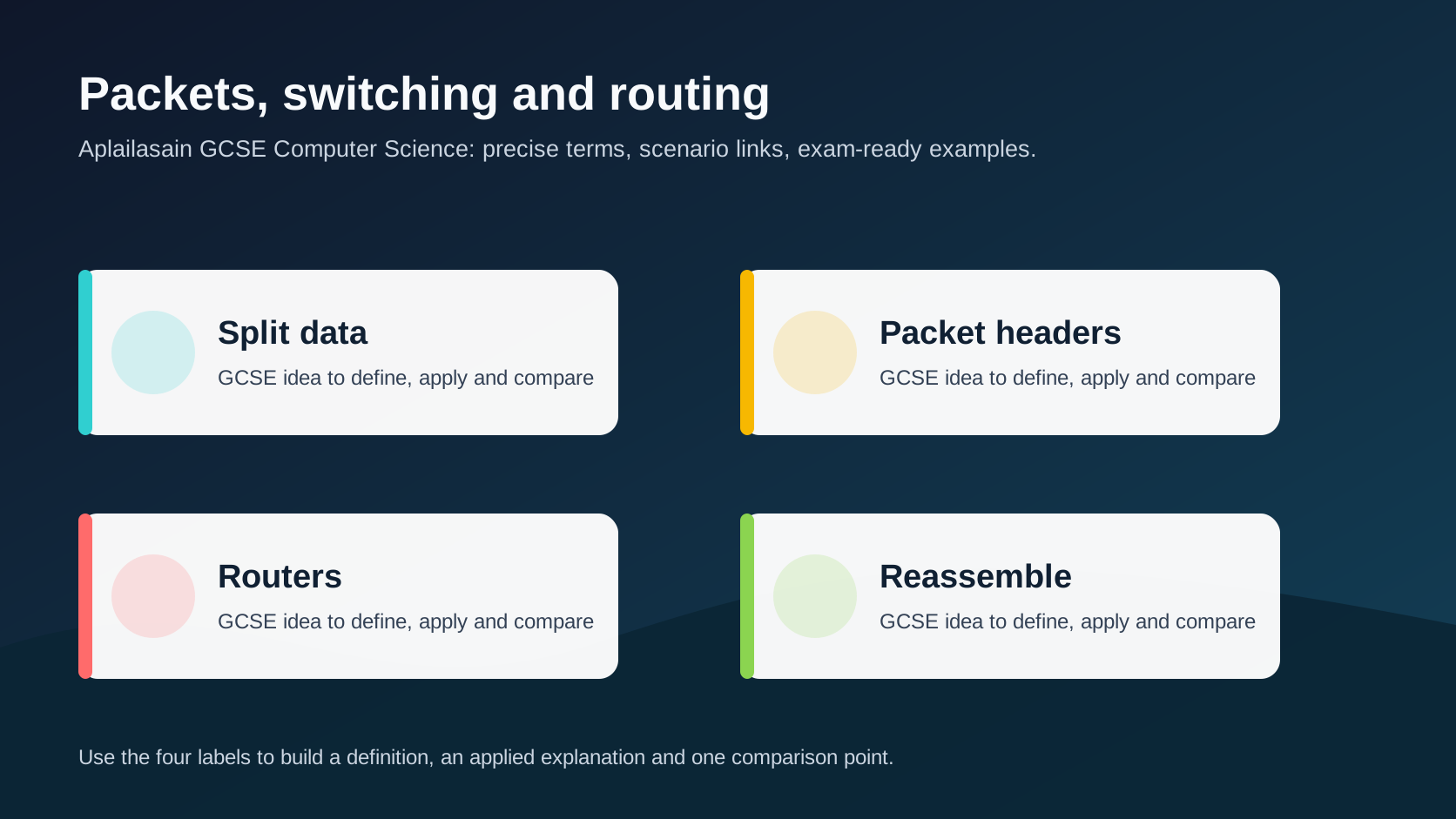
Packets, switching and routing infographic
Explanation
Large messages are split into smaller packets so they can travel efficiently across shared networks.
Each packet carries control information such as source address, destination address and sequence data. Routers use addressing information to forward packets towards the destination.
Packets may take different routes. The receiving device uses sequence information and protocols to reassemble the data in the correct order.
Worked examples
Applying packets and routing
A photo is sent across the internet.
It is split into packets with destination information.
The receiver reorders packets and reconstructs the file.
Answer: Packet switching lets different parts of the data travel independently before reassembly at the destination.
Quick checks
1. Why is data split into packets?
- a. So it can travel efficiently across shared networks
- b. So it becomes unreadable forever
- c. So routers are never used
Reveal answer
Answer: a. Correct. Packets make shared network communication more practical and resilient.
Not quite. Focus on packet switching in the scenario.
2. Which idea is most closely linked to packets, switching and routing?
- a. A monitor brightness setting
- b. Packet headers
- c. A random file extension
Reveal answer
Answer: b. Correct. Packet headers is part of this topic.
Not quite. Choose the option that belongs to the Computer Science concept.
Practice
1. Name one item of data in a packet header.
Reveal answer
Answer: Source address, destination address, sequence number or error-checking data.
Marking: Credit valid packet control information.
2. What does a router do with packets?
Reveal answer
Answer: It forwards them towards the destination network.
Marking: Credit route/forwarding role.
3. Why might packets arrive out of order?
Reveal answer
Answer: They may take different routes through the network.
Marking: Credit variable routing.
4. What must happen when packets reach the destination?
Reveal answer
Answer: They must be checked and reassembled in the correct order.
Marking: Credit reassembly and order.
Exam practice ladder
- Fluency: recall the key term and use it accurately.
- Application: apply the idea to the scenario rather than giving a generic definition.
- Algorithmic reasoning: show the steps, condition or variable change clearly.
- Evaluation: explain why one method, structure or control is suitable.
Answers and marking guidance
Exact answers and marking guidance are hidden under each question. For this lesson, earn marks by naming the correct Computer Science idea, applying it to the scenario and showing the logic or value change clearly.
Common mistakes
- Assuming every packet must take the same route.
- Forgetting sequence/order information.
- Calling a packet a physical envelope.
- Ignoring the role of routers.
Extension
Explain why packet switching can keep a transfer working even if one route becomes congested.
Next lesson
Next, continue with Cybersecurity threats.
Exam-board guidance
Aplailasain is an independent learning resource and is not endorsed by any exam board.
AQA GCSE Computer Science
AQA GCSE Computer Science: this skill supports problem solving, clear algorithms and accurate programming explanations.
OCR GCSE Computer Science
OCR GCSE Computer Science: expect precise algorithm reasoning, trace work and careful use of programming vocabulary.
Pearson Edexcel GCSE Computer Science
Pearson Edexcel GCSE Computer Science: practise explaining the method as well as giving the final answer or code.
Eduqas GCSE Computer Science
Eduqas GCSE Computer Science: secure the transferable idea first, then check how your class applies it in tasks.
WJEC Wales
WJEC Wales: use accurate terminology and show enough working for the examiner to follow your logic.
CCEA
CCEA: connect the idea to your class route and use the same algorithm, programming or systems vocabulary your teacher uses.