
Lesson overview
Explain how attackers manipulate people and how users can spot and reduce phishing risks.
Focus: Social engineering and phishing.
What you will learn
- Define the key GCSE Computer Science terms used in social engineering and phishing.
- Explain how social engineering works in a practical scenario.
- Compare spoofing with an alternative or related method.
- Apply social engineering and phishing accurately in exam-style questions.
Before you start
- Cybersecurity threats.
- Email and web use.
- Authentication basics.
Social Engineering scenarios
Use the urgent payment, fake login and phone-call examples below to identify manipulation tactics.
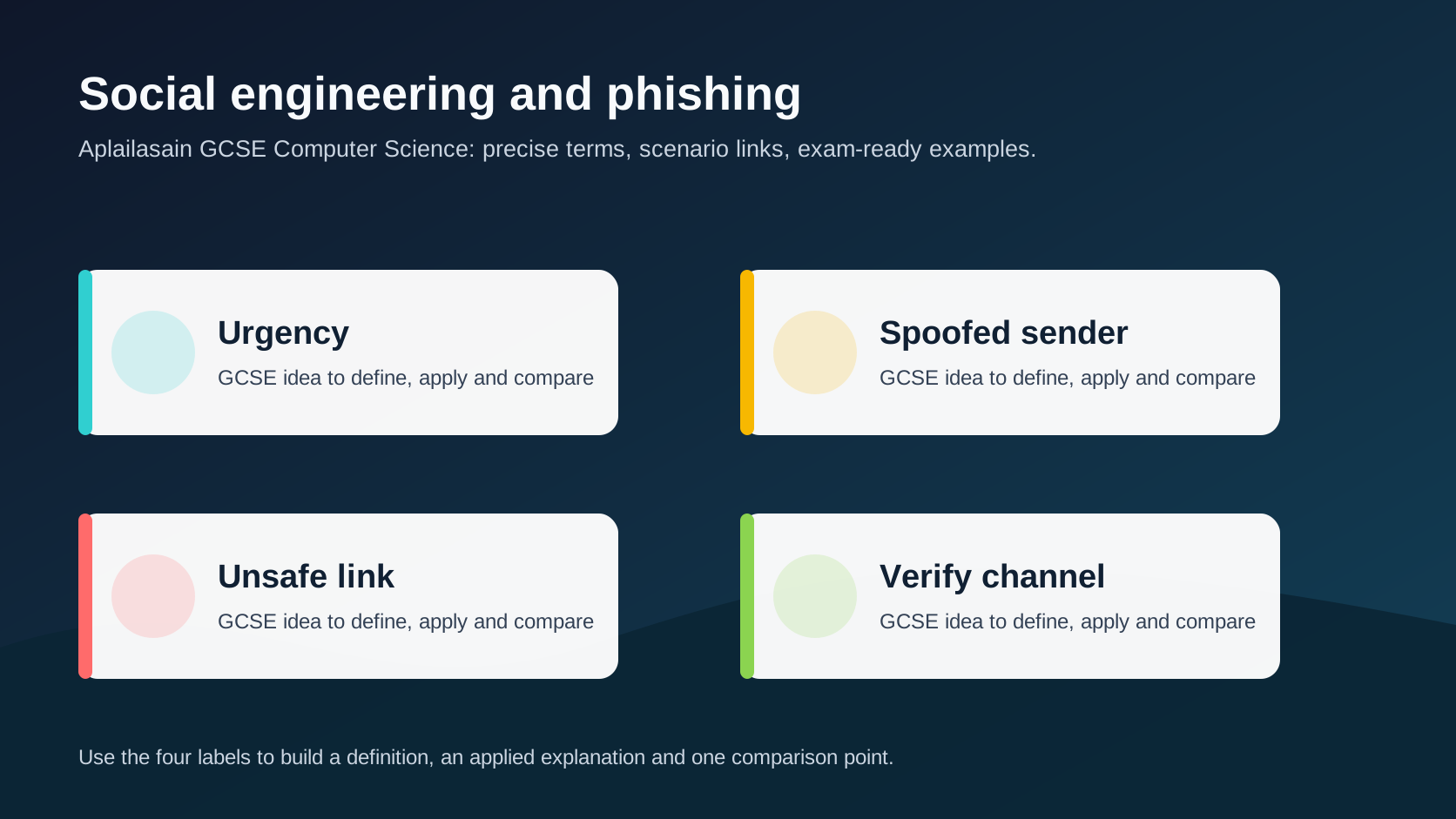
Social engineering and phishing infographic
Explanation
Social engineering attacks manipulate people rather than breaking only technical controls.
Phishing messages often use urgency, fear, authority, rewards or spoofed branding to push users into clicking links, opening attachments or revealing information.
Good defences include checking the sender, avoiding unexpected links, using official sites, reporting suspicious messages and using MFA so stolen passwords are less useful.
Worked examples
Applying social engineering
A message claims an account will close in ten minutes.
It links to a fake login page.
The design copies a real service logo.
Answer: The attacker uses urgency and spoofing to trick the user into entering credentials on a fake page.
Quick checks
1. What is social engineering?
- a. Designing a faster CPU
- b. Compressing an image file
- c. Manipulating people into unsafe actions
Reveal answer
Answer: c. Correct. The attack targets human trust and decision-making.
Not quite. Focus on social engineering in the scenario.
2. Which idea is most closely linked to social engineering and phishing?
- a. Verification
- b. A monitor brightness setting
- c. A random file extension
Reveal answer
Answer: a. Correct. Verification is part of this topic.
Not quite. Choose the option that belongs to the Computer Science concept.
Practice
1. Give one sign of a phishing message.
Reveal answer
Answer: Urgency, suspicious links, unexpected attachments, spoofed sender or requests for secrets.
Marking: Credit realistic sign.
2. Why should users avoid logging in through unexpected email links?
Reveal answer
Answer: The link may lead to a fake site that steals credentials.
Marking: Credit fake site/credential theft.
3. How can MFA reduce damage from phishing?
Reveal answer
Answer: A stolen password alone may not be enough to log in.
Marking: Credit second factor.
4. What should a user do with a suspicious work email?
Reveal answer
Answer: Report it and verify through an official channel.
Marking: Credit reporting and verification.
Exam practice ladder
- Fluency: recall the key term and use it accurately.
- Application: apply the idea to the scenario rather than giving a generic definition.
- Algorithmic reasoning: show the steps, condition or variable change clearly.
- Evaluation: explain why one method, structure or control is suitable.
Answers and marking guidance
Exact answers and marking guidance are hidden under each question. For this lesson, earn marks by naming the correct Computer Science idea, applying it to the scenario and showing the logic or value change clearly.
Common mistakes
- Judging safety only by whether a message has a logo.
- Clicking links to check whether they are safe.
- Forgetting phone calls can be social engineering too.
- Treating phishing as only a technical problem.
Extension
Write a short checklist a pupil could use before trusting a login link in a message.
Next lesson
Next, continue with Authentication and encryption.
Exam-board guidance
Aplailasain is an independent learning resource and is not endorsed by any exam board.
AQA GCSE Computer Science
AQA GCSE Computer Science: this skill supports problem solving, clear algorithms and accurate programming explanations.
OCR GCSE Computer Science
OCR GCSE Computer Science: expect precise algorithm reasoning, trace work and careful use of programming vocabulary.
Pearson Edexcel GCSE Computer Science
Pearson Edexcel GCSE Computer Science: practise explaining the method as well as giving the final answer or code.
Eduqas GCSE Computer Science
Eduqas GCSE Computer Science: secure the transferable idea first, then check how your class applies it in tasks.
WJEC Wales
WJEC Wales: use accurate terminology and show enough working for the examiner to follow your logic.
CCEA
CCEA: connect the idea to your class route and use the same algorithm, programming or systems vocabulary your teacher uses.