
Lesson overview
Describe relational database tables, records, fields, primary keys and foreign keys.
Focus: Databases, tables and keys.
What you will learn
- Define the key GCSE Computer Science terms used in databases, tables and keys.
- Explain how table works in a practical scenario.
- Compare primary key with an alternative or related method.
- Apply databases, tables and keys accurately in exam-style questions.
Before you start
- Data types.
- Files and records.
- Everyday spreadsheet experience.
Databases and Keys scenarios
Use the pupil, class and booking examples below to identify tables, fields, records and keys.
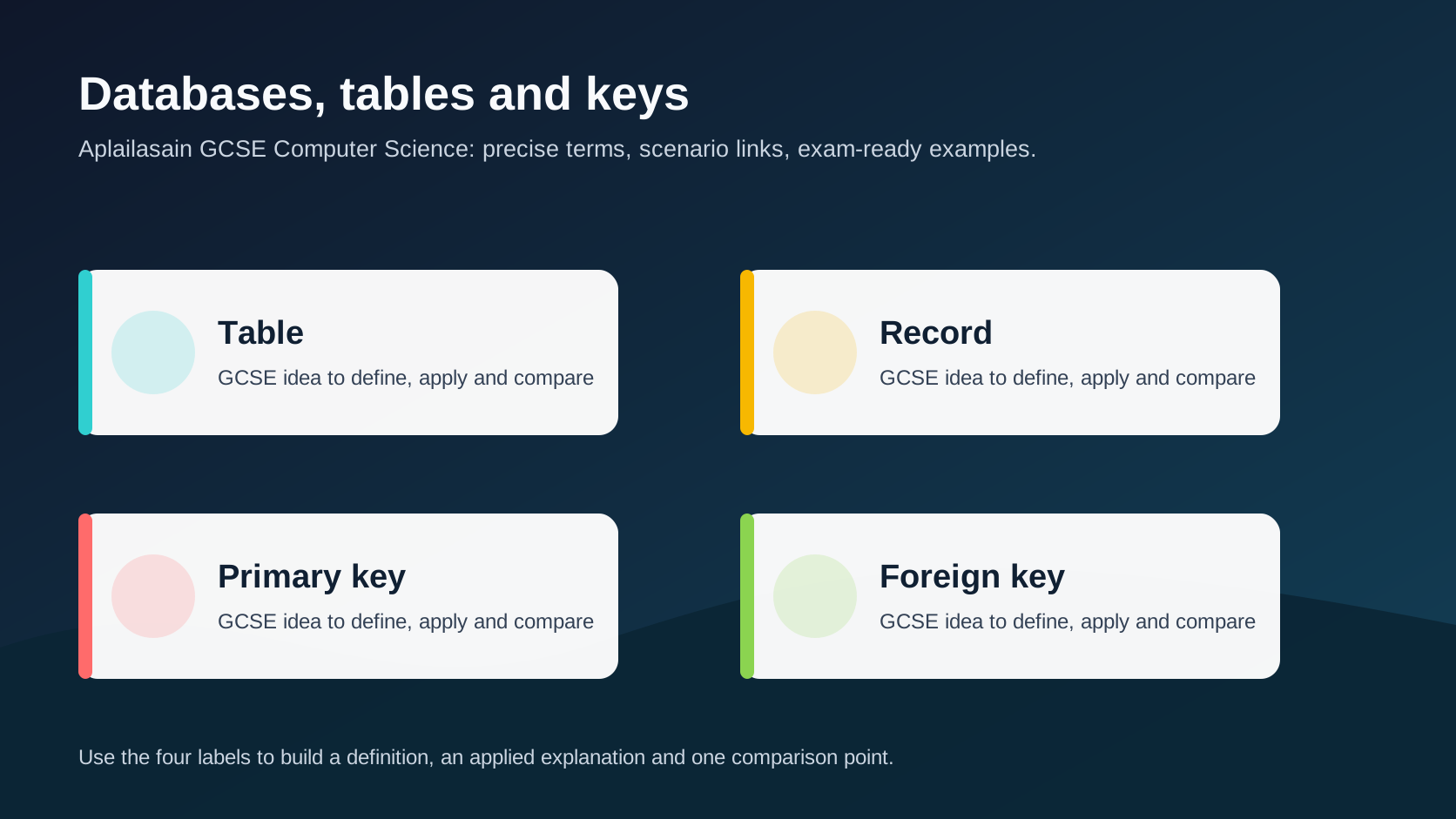
Databases, tables and keys infographic
Explanation
A database stores organised data so it can be searched, updated and reported efficiently.
In a relational database, data is stored in tables. A row is a record, a column is a field, and each field has a suitable data type.
A primary key uniquely identifies a record. A foreign key stores a value that links to a primary key in another table.
Worked examples
Applying databases and keys
A school stores pupil records and class records.
Each pupil has a unique PupilID.
The enrolment table stores PupilID and ClassID.
Answer: PupilID can be a primary key in Pupil and a foreign key in Enrolment to link pupils to classes.
Quick checks
1. What does a primary key do?
- a. Uniquely identifies a record
- b. Deletes every table
- c. Changes the monitor
Reveal answer
Answer: a. Correct. A primary key must identify one record reliably.
Not quite. Focus on table in the scenario.
2. Which idea is most closely linked to databases, tables and keys?
- a. A monitor brightness setting
- b. Foreign key
- c. A random file extension
Reveal answer
Answer: b. Correct. Foreign key is part of this topic.
Not quite. Choose the option that belongs to the Computer Science concept.
Practice
1. What is a record?
Reveal answer
Answer: One row in a table, containing data about one item or entity.
Marking: Credit row/entity.
2. What is a field?
Reveal answer
Answer: One column or category of data in a table.
Marking: Credit column/category.
3. Why should a primary key be unique?
Reveal answer
Answer: So each record can be identified without ambiguity.
Marking: Credit unique identification.
4. What is a foreign key used for?
Reveal answer
Answer: Linking records between related tables.
Marking: Credit relationship/link.
Exam practice ladder
- Fluency: recall the key term and use it accurately.
- Application: apply the idea to the scenario rather than giving a generic definition.
- Algorithmic reasoning: show the steps, condition or variable change clearly.
- Evaluation: explain why one method, structure or control is suitable.
Answers and marking guidance
Exact answers and marking guidance are hidden under each question. For this lesson, earn marks by naming the correct Computer Science idea, applying it to the scenario and showing the logic or value change clearly.
Common mistakes
- Using names as primary keys when duplicates are possible.
- Confusing a field with a full table.
- Forgetting relationships between tables.
- Choosing text data types for every field.
Extension
Design three related tables for a library loan system and identify primary and foreign keys.
Next lesson
Next, continue with SQL SELECT queries.
Exam-board guidance
Aplailasain is an independent learning resource and is not endorsed by any exam board.
AQA GCSE Computer Science
AQA GCSE Computer Science: this skill supports problem solving, clear algorithms and accurate programming explanations.
OCR GCSE Computer Science
OCR GCSE Computer Science: expect precise algorithm reasoning, trace work and careful use of programming vocabulary.
Pearson Edexcel GCSE Computer Science
Pearson Edexcel GCSE Computer Science: practise explaining the method as well as giving the final answer or code.
Eduqas GCSE Computer Science
Eduqas GCSE Computer Science: secure the transferable idea first, then check how your class applies it in tasks.
WJEC Wales
WJEC Wales: use accurate terminology and show enough working for the examiner to follow your logic.
CCEA
CCEA: connect the idea to your class route and use the same algorithm, programming or systems vocabulary your teacher uses.