
Lesson overview
Choose appropriate firewalls, updates, backups, access levels and user training for security scenarios.
Focus: Defensive security measures.
What you will learn
- Define the key GCSE Computer Science terms used in defensive security measures.
- Explain how firewall works in a practical scenario.
- Compare backups with an alternative or related method.
- Apply defensive security measures accurately in exam-style questions.
Before you start
- Cybersecurity threats.
- Malware.
- Authentication and encryption.
Security Measures scenarios
Use the small business, school network and home computer examples below to choose layered defences.
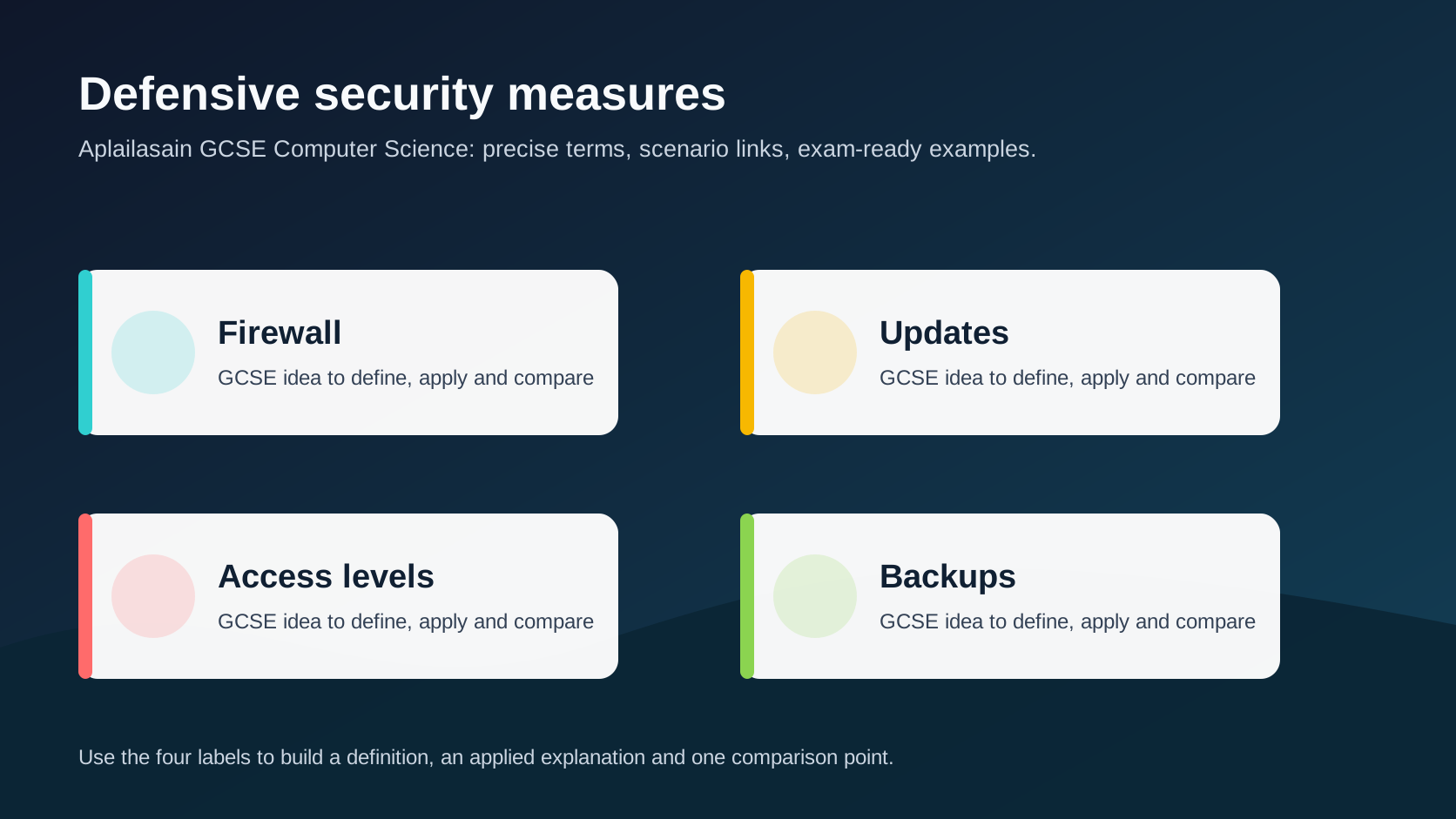
Defensive security measures infographic
Explanation
No single defence removes all security risk, so organisations use layers of technical controls, policies and user training.
Firewalls filter network traffic, antivirus detects known malware patterns or behaviours, updates fix vulnerabilities and access levels limit damage if an account is misused.
Backups protect availability after deletion, ransomware or hardware failure, but they must be tested and stored separately enough to survive the incident.
Worked examples
Applying security measures
A school wants to reduce damage if a pupil account is compromised.
Pupils should not access staff files.
Important work should be recoverable after ransomware.
Answer: Use access levels to limit file permissions and separate tested backups to restore data after an incident.
Quick checks
1. Why use layers of defence?
- a. Different measures reduce different risks
- b. To remove the need for users
- c. To make every file public
Reveal answer
Answer: a. Correct. Layered security reduces the chance that one failure compromises everything.
Not quite. Focus on firewall in the scenario.
2. Which idea is most closely linked to defensive security measures?
- a. A monitor brightness setting
- b. Access levels
- c. A random file extension
Reveal answer
Answer: b. Correct. Access levels is part of this topic.
Not quite. Choose the option that belongs to the Computer Science concept.
Practice
1. What is a firewall used for?
Reveal answer
Answer: Filtering network traffic according to rules.
Marking: Credit traffic filtering/control.
2. Why are software updates important?
Reveal answer
Answer: They can patch security vulnerabilities.
Marking: Credit fixing weaknesses.
3. Why should backups be tested?
Reveal answer
Answer: To check data can actually be restored when needed.
Marking: Credit restore reliability.
4. How do access levels improve security?
Reveal answer
Answer: They limit users to only the data/actions they need.
Marking: Credit least privilege.
Exam practice ladder
- Fluency: recall the key term and use it accurately.
- Application: apply the idea to the scenario rather than giving a generic definition.
- Algorithmic reasoning: show the steps, condition or variable change clearly.
- Evaluation: explain why one method, structure or control is suitable.
Answers and marking guidance
Exact answers and marking guidance are hidden under each question. For this lesson, earn marks by naming the correct Computer Science idea, applying it to the scenario and showing the logic or value change clearly.
Common mistakes
- Saying backups prevent malware infection.
- Assuming antivirus catches every threat.
- Ignoring user training.
- Giving generic defences without linking to the scenario.
Extension
Design a layered security plan for a small tuition centre, including one technical, one policy and one recovery measure.
Next lesson
Next, continue with Databases, tables and keys.
Exam-board guidance
Aplailasain is an independent learning resource and is not endorsed by any exam board.
AQA GCSE Computer Science
AQA GCSE Computer Science: this skill supports problem solving, clear algorithms and accurate programming explanations.
OCR GCSE Computer Science
OCR GCSE Computer Science: expect precise algorithm reasoning, trace work and careful use of programming vocabulary.
Pearson Edexcel GCSE Computer Science
Pearson Edexcel GCSE Computer Science: practise explaining the method as well as giving the final answer or code.
Eduqas GCSE Computer Science
Eduqas GCSE Computer Science: secure the transferable idea first, then check how your class applies it in tasks.
WJEC Wales
WJEC Wales: use accurate terminology and show enough working for the examiner to follow your logic.
CCEA
CCEA: connect the idea to your class route and use the same algorithm, programming or systems vocabulary your teacher uses.