
Lesson overview
Use test data, expected results and debugging steps to find and fix programming errors.
Focus: Errors, testing and debugging.
What you will learn
- Distinguish syntax, logic and runtime errors.
- Choose normal, boundary and invalid test data.
- Use expected results to judge whether a test passed.
- Describe debugging as finding, isolating and fixing errors.
Before you start
- Variables, conditions and loops.
- Validation checks.
- Trace tables and dry runs.
Test-plan examples
Use the mark-grade and password examples below to build a small test table with input, expected result and actual result.
Errors, testing and debugging infographic
Explanation
Testing is planned checking. A good test table states the input, the expected result, the actual result and whether the test passed.
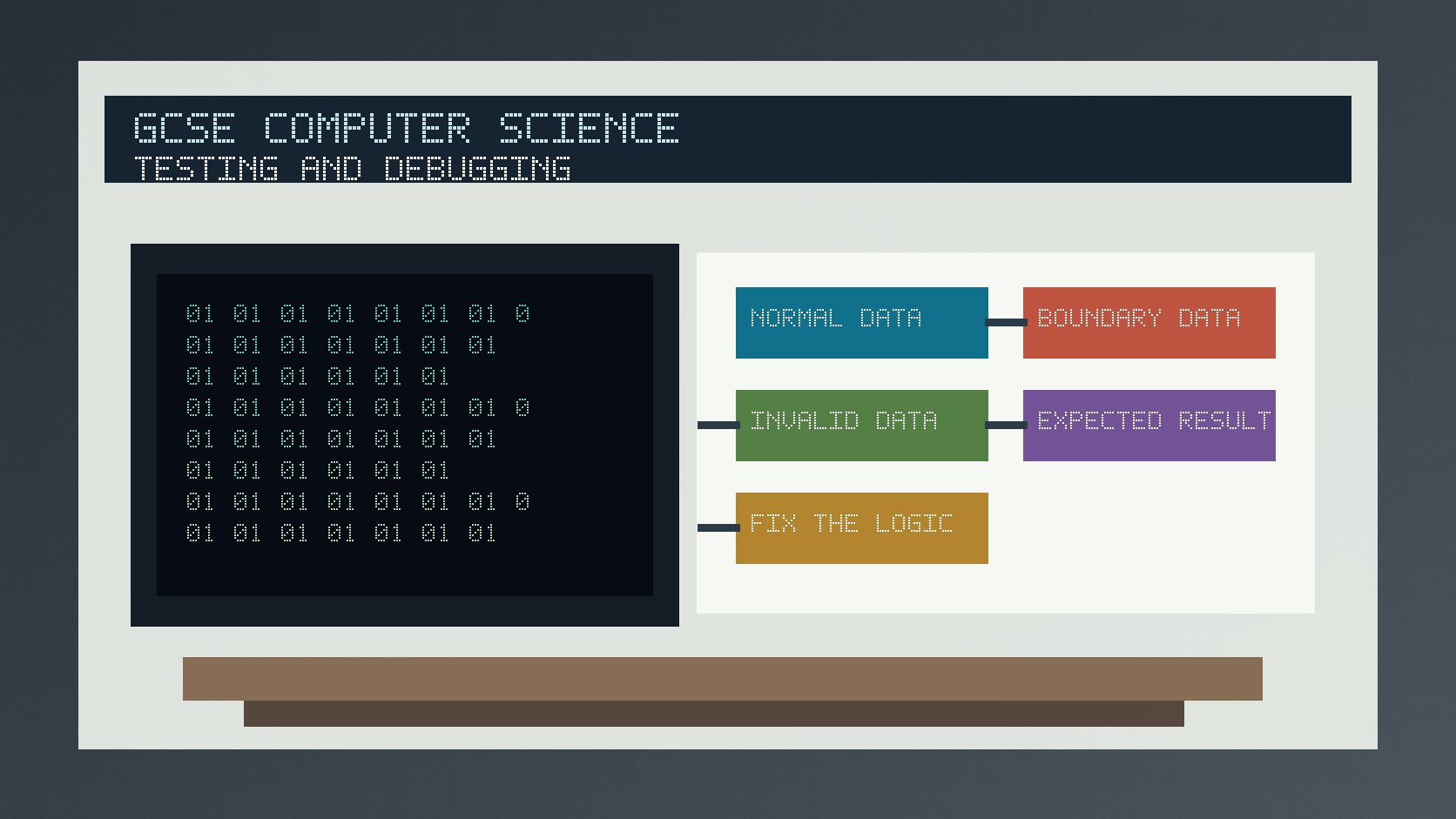
Normal test data should be accepted, boundary data checks edges of valid ranges, and invalid data should be rejected or handled safely.
A syntax error breaks the language rules, a logic error runs but gives the wrong result, and a runtime error happens while the program is running.
Worked examples
Testing a range check
A program accepts marks from 0 to 100 inclusive.
Normal test: 57 should be accepted.
Boundary tests: 0 and 100 should be accepted; -1 and 101 should be rejected.
Answer: The boundary tests check the exact edges and just outside the allowed range.
Quick checks
1. Which error type runs but gives the wrong answer?
- a. Logic error
- b. Syntax error
- c. File extension
Reveal answer
Answer: a. Correct. Logic errors are mistakes in the method.
Not quite. Syntax errors usually stop the program from running.
2. What should a test table include before the program is run?
- a. The final mark scheme
- b. Expected result
- c. The computer's serial number
Reveal answer
Answer: b. Correct. Expected results let you judge the actual result.
Not quite. Testing needs a planned result to compare against.
Practice
1. For a valid age range of 11 to 16, give two boundary values.
Reveal answer
Answer: 11 and 16.
Marking: Credit exact lower and upper boundaries.
2. For the same age range, give two invalid boundary-adjacent values.
Reveal answer
Answer: 10 and 17.
Marking: Credit just outside the allowed range.
3. A program says 2 + 2 = 5 but does not crash. What kind of error is this?
Reveal answer
Answer: Logic error.
Marking: Credit wrong result from incorrect logic.
4. Why record the actual result?
Reveal answer
Answer: To compare it with the expected result and decide whether the test passed.
Marking: Credit comparison and pass/fail judgement.
Exam practice ladder
- Fluency: recall the key term and use it accurately.
- Application: apply the idea to the scenario rather than giving a generic definition.
- Algorithmic reasoning: show the steps, condition or variable change clearly.
- Evaluation: explain why one method, structure or control is suitable.
Answers and marking guidance
Exact answers and marking guidance are hidden under each question. For this lesson, earn marks by naming the correct Computer Science idea, applying it to the scenario and showing the logic or value change clearly.
Common mistakes
- Only testing one normal value.
- Forgetting invalid data when validation is part of the program.
- Writing actual results before running the test.
- Calling every mistake a syntax error.
Extension
Create a test table for a function that returns true only when a username is 4 to 12 characters long.
Next lesson
Next, continue with Binary and Denary Conversion.
Exam-board guidance
Aplailasain is an independent learning resource and is not endorsed by any exam board.
AQA GCSE Computer Science
AQA GCSE Computer Science: this skill supports problem solving, clear algorithms and accurate programming explanations.
OCR GCSE Computer Science
OCR GCSE Computer Science: expect precise algorithm reasoning, trace work and careful use of programming vocabulary.
Pearson Edexcel GCSE Computer Science
Pearson Edexcel GCSE Computer Science: practise explaining the method as well as giving the final answer or code.
Eduqas GCSE Computer Science
Eduqas GCSE Computer Science: secure the transferable idea first, then check how your class applies it in tasks.
WJEC Wales
WJEC Wales: use accurate terminology and show enough working for the examiner to follow your logic.
CCEA
CCEA: connect the idea to your class route and use the same algorithm, programming or systems vocabulary your teacher uses.