
Lesson overview
Match routers, switches, wireless access points, NICs and transmission media to network roles.
Focus: Network hardware and transmission.
What you will learn
- Describe the roles of routers, switches, wireless access points and network interface cards.
- Compare wired and wireless transmission.
- Compare copper cable, fibre optic cable and wireless links.
- Choose suitable hardware or transmission media for a scenario.
Before you start
- Network types and topologies.
- Basic device and internet experience.
- Performance trade-offs.
Hardware matching scenarios
Use the home router, school switch, mobile device and long-distance connection examples below to match hardware to role.
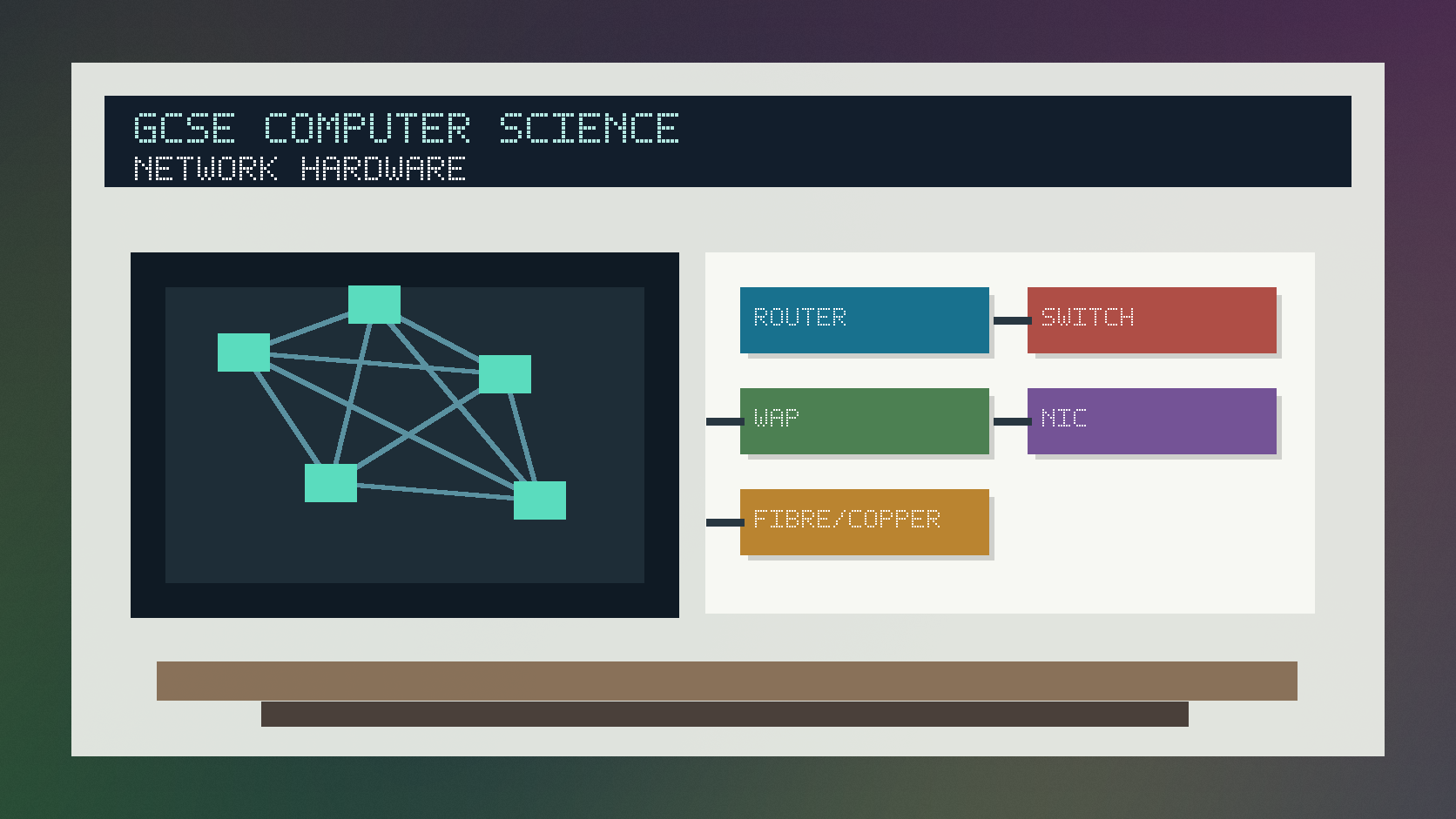
Network hardware and transmission infographic
Explanation
A network interface card, or NIC, allows a device to connect to a network. It may support wired or wireless communication.
A switch connects devices within a LAN and sends data towards the correct device. A router forwards data between networks, such as a home LAN and the internet.
Copper cable, fibre optic cable and wireless transmission each have trade-offs in speed, range, interference, cost and ease of installation.
Worked examples
Choosing hardware
A school wants many wired classroom computers connected inside one LAN.
Traffic should be forwarded to the correct device rather than broadcast everywhere.
The network also needs a route to the internet.
Answer: Use switches for the wired LAN connections and a router to connect the LAN to other networks.
Quick checks
1. Which device forwards data between networks?
- a. Router
- b. Monitor
- c. Spreadsheet
Reveal answer
Answer: a. Correct. A router connects networks and forwards packets between them.
Not quite. Think about the device linking a LAN to the internet.
2. Which medium is often best for high-speed long-distance wired links?
- a. Printer paper
- b. Fibre optic cable
- c. A keyboard
Reveal answer
Answer: b. Correct. Fibre optic cable is fast and suitable over long distances.
Not quite. Copper and wireless have different range and interference trade-offs.
Practice
1. What is the role of a switch?
Reveal answer
Answer: It connects devices within a LAN and forwards data to the correct device.
Marking: Credit LAN connection and forwarding role.
2. What is the role of a NIC?
Reveal answer
Answer: It allows a device to connect to a network.
Marking: Credit wired or wireless network interface.
3. Give one advantage of wireless transmission.
Reveal answer
Answer: Mobility or easier installation without cables.
Marking: Credit mobility or convenience.
4. Give one advantage of wired transmission.
Reveal answer
Answer: It can be faster, more stable or less affected by interference.
Marking: Credit reliability, speed or lower interference.
Exam practice ladder
- Fluency: recall the key term and use it accurately.
- Application: apply the idea to the scenario rather than giving a generic definition.
- Algorithmic reasoning: show the steps, condition or variable change clearly.
- Evaluation: explain why one method, structure or control is suitable.
Answers and marking guidance
Exact answers and marking guidance are hidden under each question. For this lesson, earn marks by naming the correct Computer Science idea, applying it to the scenario and showing the logic or value change clearly.
Common mistakes
- Saying a switch and router always do exactly the same job.
- Forgetting a NIC is needed for a device to connect.
- Claiming wireless is always faster than wired.
- Choosing hardware without linking to the network scenario.
Extension
Design a simple network for a small office and justify one router, one switch and one wireless access point.
Next lesson
Next, continue with Protocols, DNS and web access.
Exam-board guidance
Aplailasain is an independent learning resource and is not endorsed by any exam board.
AQA GCSE Computer Science
AQA GCSE Computer Science: this skill supports problem solving, clear algorithms and accurate programming explanations.
OCR GCSE Computer Science
OCR GCSE Computer Science: expect precise algorithm reasoning, trace work and careful use of programming vocabulary.
Pearson Edexcel GCSE Computer Science
Pearson Edexcel GCSE Computer Science: practise explaining the method as well as giving the final answer or code.
Eduqas GCSE Computer Science
Eduqas GCSE Computer Science: secure the transferable idea first, then check how your class applies it in tasks.
WJEC Wales
WJEC Wales: use accurate terminology and show enough working for the examiner to follow your logic.
CCEA
CCEA: connect the idea to your class route and use the same algorithm, programming or systems vocabulary your teacher uses.