
Lesson overview
Compare LANs, WANs, client-server, peer-to-peer and common topology ideas.
Focus: Network types and topologies.
What you will learn
- Define a network as connected devices sharing data and resources.
- Distinguish LAN and WAN by geographic scale and ownership.
- Compare client-server and peer-to-peer models.
- Recognise star and mesh topology ideas at GCSE level.
Before you start
- Basic internet and device experience.
- Input, processing and output.
- Computer systems basics.
Network classification scenarios
Use the school, home, global company and file-sharing examples below to classify network type and model.
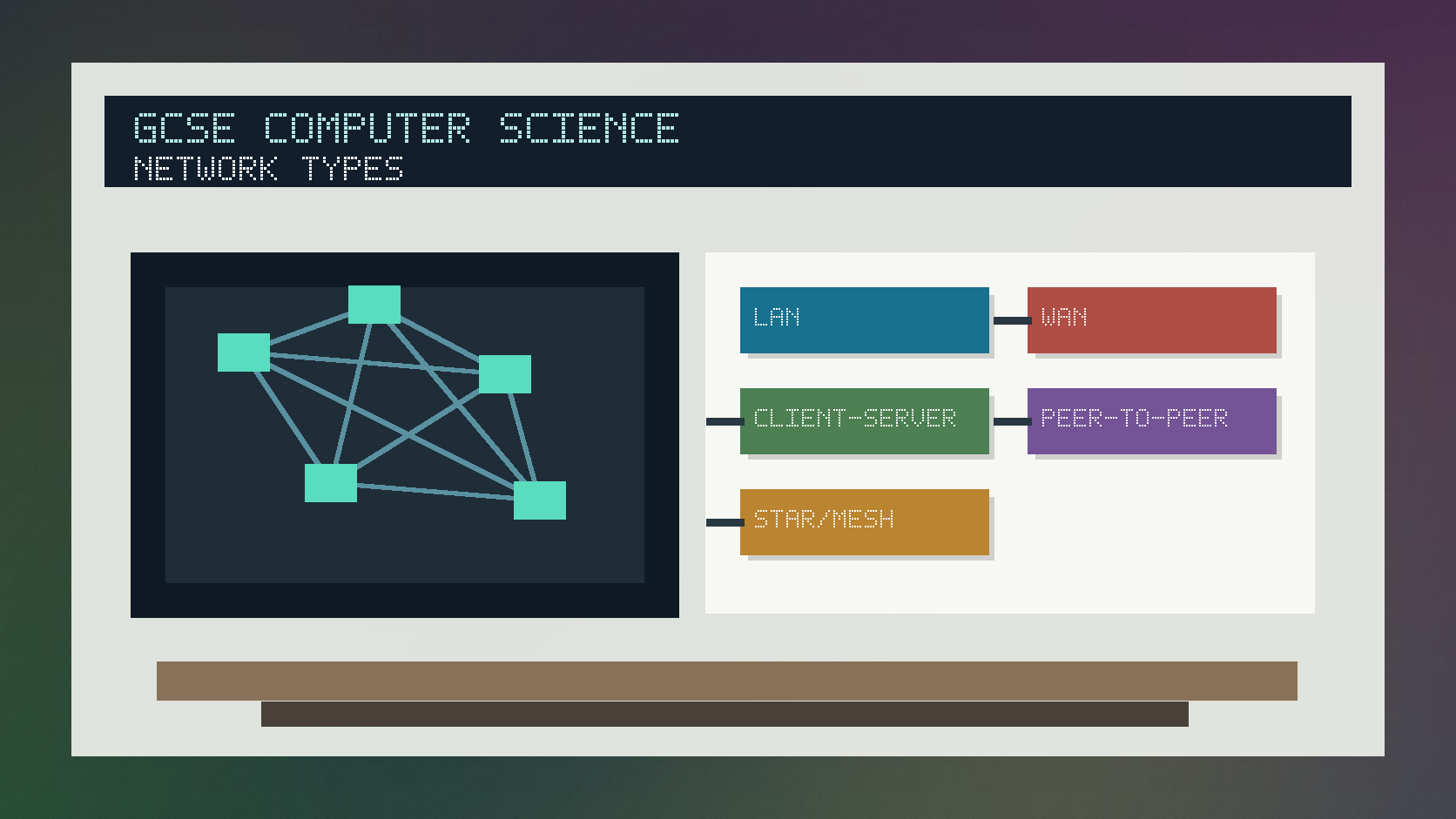
Network types and topologies infographic
Explanation
A local area network, or LAN, covers a small area such as a home, school or office and is often owned by one organisation or household.
A wide area network, or WAN, covers a large geographic area and often uses third-party communication infrastructure. The internet is the largest WAN.
In a client-server network, clients request services from servers. In a peer-to-peer network, devices can share resources directly without a dedicated central server.
Worked examples
Classifying a school network
The network covers one school site.
Student computers log in to central file and authentication servers.
Printers and internet access are shared.
Answer: This is a LAN using a client-server model.
Quick checks
1. Which network type covers a small local area?
- a. WAN
- b. LAN
- c. ALU
Reveal answer
Answer: b. Correct. A LAN covers a local area.
Not quite. A WAN covers a larger geographic area.
2. What does a client do in a client-server network?
- a. Always stores every website
- b. Replaces all routers
- c. Requests services from a server
Reveal answer
Answer: c. Correct. Clients request services or resources.
Not quite. The server provides services to clients.
Practice
1. Is the internet a LAN or WAN?
Reveal answer
Answer: WAN.
Marking: Credit large geographic scale.
2. Give one advantage of client-server networking.
Reveal answer
Answer: Centralised management, security, backups or shared services.
Marking: Credit valid central-management benefit.
3. Give one possible advantage of peer-to-peer networking.
Reveal answer
Answer: It can be simple and does not need a dedicated server.
Marking: Credit simplicity or lower setup cost.
4. What is a topology?
Reveal answer
Answer: The layout or arrangement of devices and connections in a network.
Marking: Credit physical or logical layout.
Exam practice ladder
- Fluency: recall the key term and use it accurately.
- Application: apply the idea to the scenario rather than giving a generic definition.
- Algorithmic reasoning: show the steps, condition or variable change clearly.
- Evaluation: explain why one method, structure or control is suitable.
Answers and marking guidance
Exact answers and marking guidance are hidden under each question. For this lesson, earn marks by naming the correct Computer Science idea, applying it to the scenario and showing the logic or value change clearly.
Common mistakes
- Choosing LAN or WAN without mentioning scale.
- Confusing a server with any powerful computer.
- Assuming peer-to-peer means no devices are connected.
- Describing topology as internet speed only.
Extension
Compare a home peer-to-peer file-sharing setup with a school client-server network using security, management and cost.
Next lesson
Next, continue with Network Hardware and Transmission.
Exam-board guidance
Aplailasain is an independent learning resource and is not endorsed by any exam board.
AQA GCSE Computer Science
AQA GCSE Computer Science: this skill supports problem solving, clear algorithms and accurate programming explanations.
OCR GCSE Computer Science
OCR GCSE Computer Science: expect precise algorithm reasoning, trace work and careful use of programming vocabulary.
Pearson Edexcel GCSE Computer Science
Pearson Edexcel GCSE Computer Science: practise explaining the method as well as giving the final answer or code.
Eduqas GCSE Computer Science
Eduqas GCSE Computer Science: secure the transferable idea first, then check how your class applies it in tasks.
WJEC Wales
WJEC Wales: use accurate terminology and show enough working for the examiner to follow your logic.
CCEA
CCEA: connect the idea to your class route and use the same algorithm, programming or systems vocabulary your teacher uses.