
Lesson overview
Explain how CPU, memory, storage and software factors combine to affect computer performance.
Focus: System performance factors.
What you will learn
- Explain how CPU clock speed, cores and cache can affect performance.
- Explain how RAM capacity can affect multitasking and loading.
- Explain how storage speed can affect start-up and file access.
- Apply performance factors to specific user scenarios.
Before you start
- CPU cycle.
- Memory and secondary storage.
- Operating system roles.
Bottleneck scenarios
Use the gaming, video editing, school laptop and web-browsing examples below to identify likely performance bottlenecks.
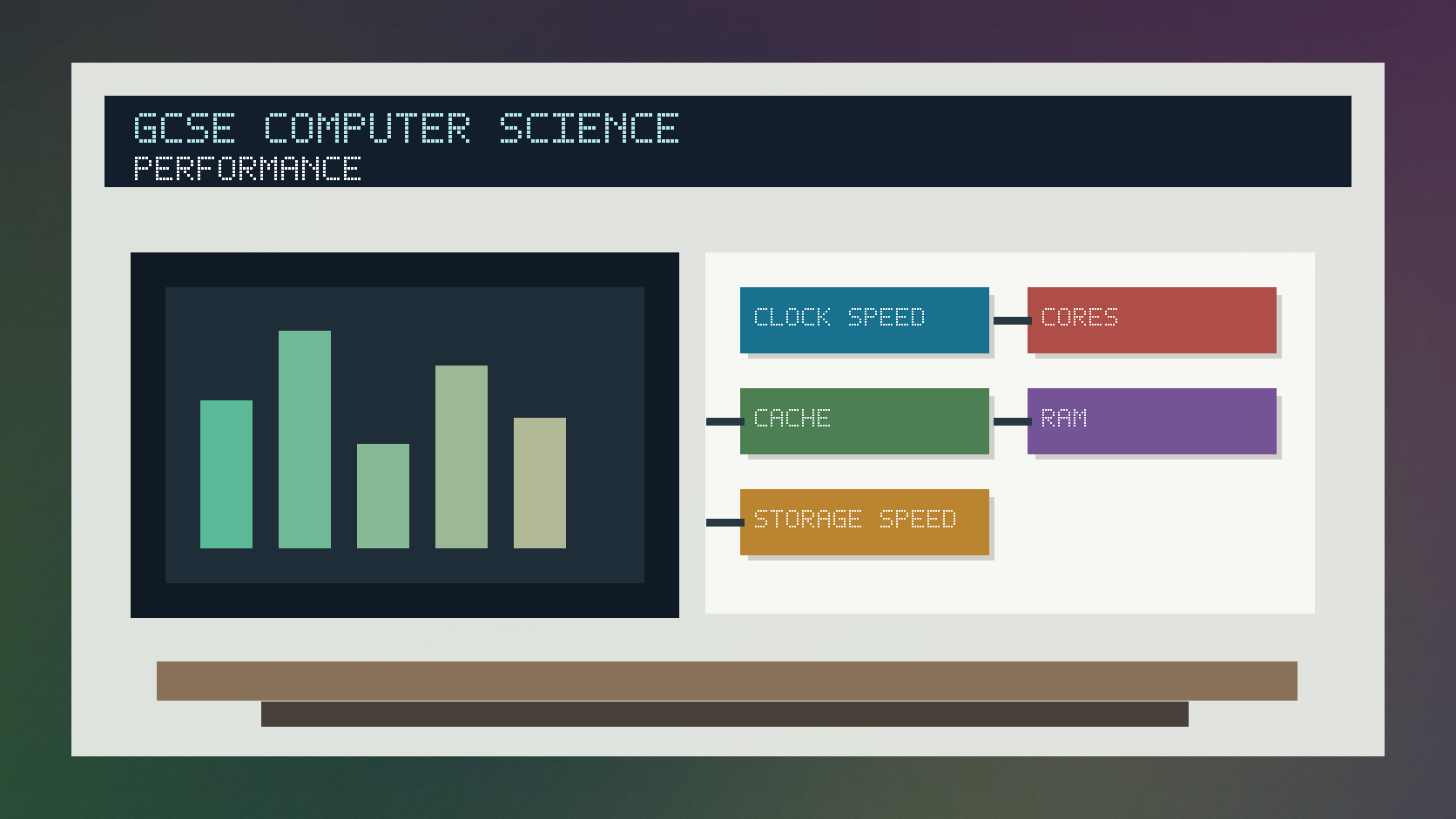
System performance factors infographic
Explanation
Performance depends on the whole system, not one number. A fast CPU can still feel slow if there is too little RAM or very slow storage.
Clock speed affects how many cycles a CPU can perform per second. More cores can help with tasks that can be split into parallel work.
Cache, RAM, storage speed, background processes and software efficiency can all affect how quickly a computer responds.
Worked examples
Finding a bottleneck
A laptop is slow when many browser tabs and apps are open.
The storage is fast, but RAM usage is almost full.
The system starts using slower storage as temporary space.
Answer: RAM capacity is likely to be the main bottleneck in this scenario.
Quick checks
1. Why might more RAM improve multitasking?
- a. More programs and data can stay in fast memory
- b. It changes every file into Unicode
- c. It removes the CPU
Reveal answer
Answer: a. Correct. More RAM can reduce reliance on slower storage.
Not quite. RAM helps hold currently used programs and data.
2. Which performance factor is closest to the CPU?
- a. Printer paper
- b. Cache
- c. A website logo
Reveal answer
Answer: b. Correct. Cache is fast memory close to the CPU.
Not quite. Cache supports fast access to frequently used data and instructions.
Practice
1. Give one CPU factor that can affect performance.
Reveal answer
Answer: Clock speed, number of cores or cache size.
Marking: Credit valid CPU factor.
2. Why might an SSD improve start-up time compared with a hard drive?
Reveal answer
Answer: It can access stored data faster.
Marking: Credit faster storage access.
3. Why does performance depend on the task?
Reveal answer
Answer: Different tasks stress CPU, RAM, storage or graphics differently.
Marking: Credit scenario-specific bottlenecks.
4. Give one software factor that can reduce performance.
Reveal answer
Answer: Too many background processes, inefficient software or malware.
Marking: Credit valid software-related factor.
Exam practice ladder
- Fluency: recall the key term and use it accurately.
- Application: apply the idea to the scenario rather than giving a generic definition.
- Algorithmic reasoning: show the steps, condition or variable change clearly.
- Evaluation: explain why one method, structure or control is suitable.
Answers and marking guidance
Exact answers and marking guidance are hidden under each question. For this lesson, earn marks by naming the correct Computer Science idea, applying it to the scenario and showing the logic or value change clearly.
Common mistakes
- Saying one hardware number always decides performance.
- Assuming more cores always help every task equally.
- Ignoring the scenario in the question.
- Forgetting software can affect performance too.
Extension
Recommend upgrades for a slow school laptop and justify each choice using likely bottlenecks.
Next lesson
Next, continue with Network Types and Topologies.
Exam-board guidance
Aplailasain is an independent learning resource and is not endorsed by any exam board.
AQA GCSE Computer Science
AQA GCSE Computer Science: this skill supports problem solving, clear algorithms and accurate programming explanations.
OCR GCSE Computer Science
OCR GCSE Computer Science: expect precise algorithm reasoning, trace work and careful use of programming vocabulary.
Pearson Edexcel GCSE Computer Science
Pearson Edexcel GCSE Computer Science: practise explaining the method as well as giving the final answer or code.
Eduqas GCSE Computer Science
Eduqas GCSE Computer Science: secure the transferable idea first, then check how your class applies it in tasks.
WJEC Wales
WJEC Wales: use accurate terminology and show enough working for the examiner to follow your logic.
CCEA
CCEA: connect the idea to your class route and use the same algorithm, programming or systems vocabulary your teacher uses.