
Lesson overview
Split programs into named reusable blocks, and distinguish procedures from functions.
Focus: Subroutines, functions and procedures.
What you will learn
- Explain why subroutines make programs easier to read, test and reuse.
- Distinguish a procedure from a function.
- Use parameters to pass values into a subroutine.
- Trace how a main program calls a subroutine and continues afterwards.
Before you start
- Sequence, selection and iteration.
- Variables and data types.
- Confidence reading simple pseudocode.
Reusable-code scenarios
Use the login, score and menu examples below to decide which repeated steps should become a named subroutine.
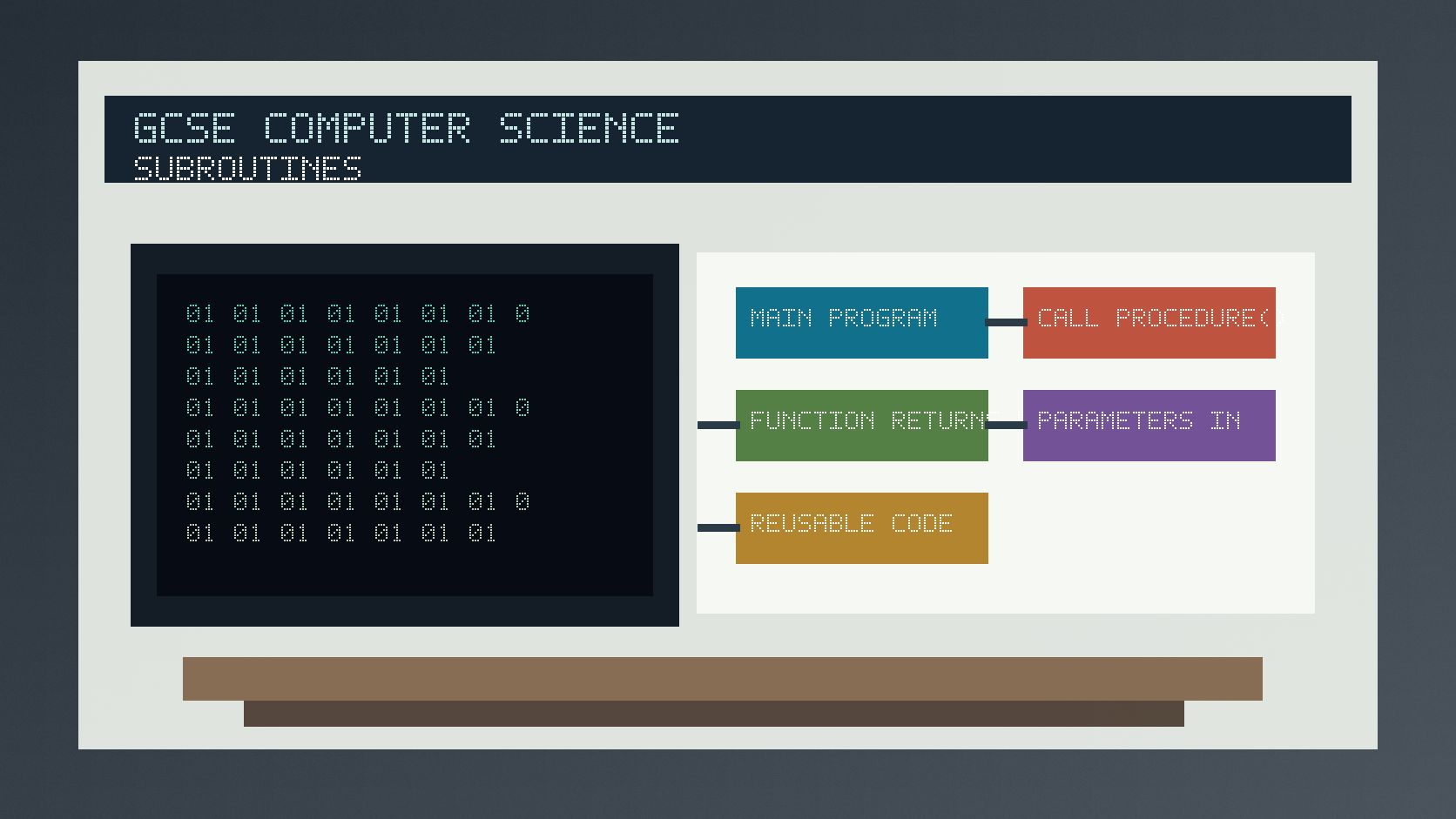
Subroutines, functions and procedures infographic
Explanation
A subroutine is a named block of instructions that can be called from another part of a program. It helps avoid repeating the same code in several places.
A procedure carries out actions but does not return a value to be used in an expression. A function carries out steps and returns a value, such as a calculated total or a Boolean result.
Parameters are values passed into a subroutine. They let the same subroutine work with different data without rewriting the instructions.
Worked examples
Choosing a function or procedure
A program needs to calculate the average of three scores and then display a message.
The average calculation produces a value that the main program needs.
The display step performs an action for the user.
Answer: Use a function for calculateAverage because it returns a value, and a procedure for displayMessage because it performs an action.
Quick checks
1. Why might a programmer use a subroutine?
- a. To make every variable global
- b. To remove all testing
- c. To reuse a named block of code
Reveal answer
Answer: c. Correct. Subroutines support reuse, structure and testing.
Not quite. Think about avoiding repeated code.
2. Which subroutine type returns a value?
- a. Function
- b. Procedure
- c. Comment
Reveal answer
Answer: a. Correct. A function returns a value.
Not quite. Procedures usually carry out actions without returning a value.
Practice
1. A program prints the same menu after every choice. What should the repeated menu code become?
Reveal answer
Answer: A procedure such as displayMenu.
Marking: Credit procedure because the code performs an output action.
2. A subroutine receives length and width, then returns area. Is it best described as a function or procedure?
Reveal answer
Answer: A function.
Marking: Credit returning a calculated value.
3. What is a parameter?
Reveal answer
Answer: A value passed into a subroutine for it to use.
Marking: Credit passing data into reusable code.
4. Give one reason subroutines make debugging easier.
Reveal answer
Answer: Each named block can be tested separately.
Marking: Credit isolating faults, smaller sections or easier tracing.
Exam practice ladder
- Fluency: recall the key term and use it accurately.
- Application: apply the idea to the scenario rather than giving a generic definition.
- Algorithmic reasoning: show the steps, condition or variable change clearly.
- Evaluation: explain why one method, structure or control is suitable.
Answers and marking guidance
Exact answers and marking guidance are hidden under each question. For this lesson, earn marks by naming the correct Computer Science idea, applying it to the scenario and showing the logic or value change clearly.
Common mistakes
- Calling every subroutine a function even when it does not return a value.
- Forgetting to pass required values as parameters.
- Repeating code instead of naming a reusable block.
- Assuming a subroutine runs automatically without being called.
Extension
Design a function called isValidScore(score) that returns true only when the score is between 0 and 100 inclusive.
Next lesson
Next, continue with Validation and Verification.
Exam-board guidance
Aplailasain is an independent learning resource and is not endorsed by any exam board.
AQA GCSE Computer Science
AQA GCSE Computer Science: this skill supports problem solving, clear algorithms and accurate programming explanations.
OCR GCSE Computer Science
OCR GCSE Computer Science: expect precise algorithm reasoning, trace work and careful use of programming vocabulary.
Pearson Edexcel GCSE Computer Science
Pearson Edexcel GCSE Computer Science: practise explaining the method as well as giving the final answer or code.
Eduqas GCSE Computer Science
Eduqas GCSE Computer Science: secure the transferable idea first, then check how your class applies it in tasks.
WJEC Wales
WJEC Wales: use accurate terminology and show enough working for the examiner to follow your logic.
CCEA
CCEA: connect the idea to your class route and use the same algorithm, programming or systems vocabulary your teacher uses.