
Lesson overview
Add binary numbers, recognise overflow and convert between common storage units.
Focus: Binary arithmetic and storage units.
What you will learn
- Apply the basic binary addition rules.
- Recognise overflow when a result needs more bits than are available.
- Define bit and byte.
- Convert between common storage units used in GCSE questions.
Before you start
- Binary place values.
- Addition with carrying.
- Understanding that files occupy storage space.
Addition and unit-conversion examples
Use the binary addition rules and storage unit ladder below to practise small calculations.
Binary arithmetic and storage units infographic
Explanation
Binary addition uses the same idea as denary addition: add from the right and carry when the column total is too large for one digit.
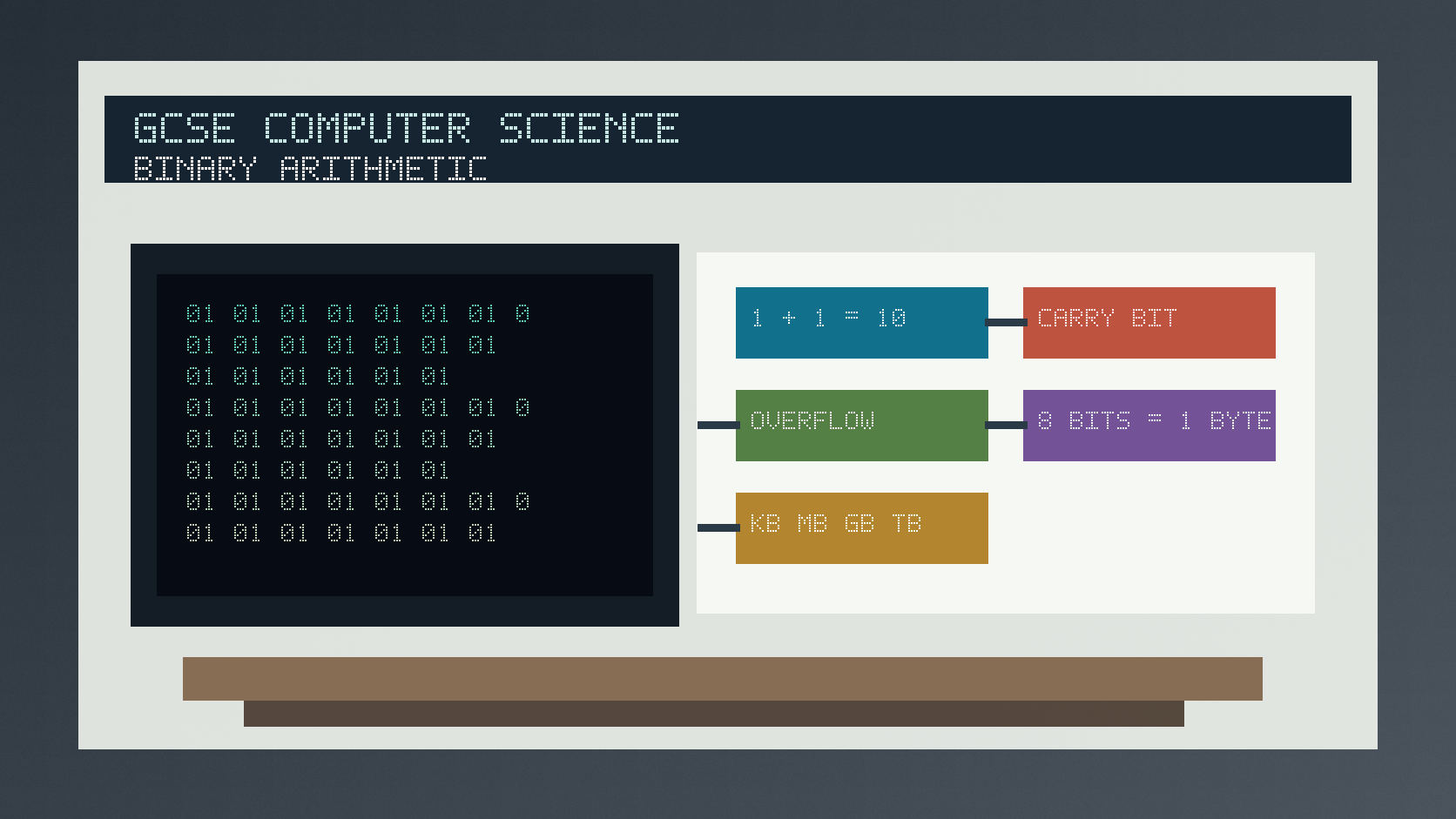
The key rules are 0 + 0 = 0, 0 + 1 = 1, 1 + 1 = 10 and 1 + 1 + 1 = 11 in binary.
A bit is a single binary digit. A byte is usually eight bits. GCSE storage questions often use units such as KB, MB, GB and TB; check whether the question expects decimal or binary-style conversions.
Worked examples
Adding small binary numbers
Add 00000101 and 00000011.
This is denary 5 plus denary 3.
The binary result is 00001000.
Answer: 00000101 + 00000011 = 00001000.
Quick checks
1. What is 1 plus 1 in binary?
- a. 10
- b. 2
- c. 11
Reveal answer
Answer: a. Correct. Binary 10 represents denary 2.
Not quite. Binary has no digit 2.
2. How many bits are usually in one byte?
- a. 4
- b. 8
- c. 1000
Reveal answer
Answer: b. Correct. One byte is usually eight bits.
Not quite. A nibble is four bits.
Practice
1. Add binary 00000010 and 00000011.
Reveal answer
Answer: 00000101.
Marking: Credit denary 2 + 3 = 5 or correct binary carrying.
2. What is overflow in an 8-bit binary addition?
Reveal answer
Answer: When the result needs more than 8 bits to store.
Marking: Credit exceeding available bit width.
3. How many bits are in 3 bytes?
Reveal answer
Answer: 24 bits.
Marking: Credit 3 x 8.
4. Why must you read the question carefully before converting KB to bytes?
Reveal answer
Answer: Some contexts use 1000 bytes per KB and others use 1024.
Marking: Credit checking the conversion convention required.
Exam practice ladder
- Fluency: recall the key term and use it accurately.
- Application: apply the idea to the scenario rather than giving a generic definition.
- Algorithmic reasoning: show the steps, condition or variable change clearly.
- Evaluation: explain why one method, structure or control is suitable.
Answers and marking guidance
Exact answers and marking guidance are hidden under each question. For this lesson, earn marks by naming the correct Computer Science idea, applying it to the scenario and showing the logic or value change clearly.
Common mistakes
- Writing the digit 2 in a binary answer.
- Forgetting to carry after 1 + 1.
- Ignoring overflow when the answer is too wide.
- Mixing up bits and bytes.
Extension
Add 11111111 and 00000001 as 8-bit binary and explain what happens to the carry.
Next lesson
Next, continue with Character Sets, ASCII and Unicode.
Exam-board guidance
Aplailasain is an independent learning resource and is not endorsed by any exam board.
AQA GCSE Computer Science
AQA GCSE Computer Science: this skill supports problem solving, clear algorithms and accurate programming explanations.
OCR GCSE Computer Science
OCR GCSE Computer Science: expect precise algorithm reasoning, trace work and careful use of programming vocabulary.
Pearson Edexcel GCSE Computer Science
Pearson Edexcel GCSE Computer Science: practise explaining the method as well as giving the final answer or code.
Eduqas GCSE Computer Science
Eduqas GCSE Computer Science: secure the transferable idea first, then check how your class applies it in tasks.
WJEC Wales
WJEC Wales: use accurate terminology and show enough working for the examiner to follow your logic.
CCEA
CCEA: connect the idea to your class route and use the same algorithm, programming or systems vocabulary your teacher uses.