
Lesson overview
Use hexadecimal as a compact way to write binary numbers in groups of four bits.
Focus: Hexadecimal conversion.
What you will learn
- Explain hexadecimal as a base 16 number system.
- Recognise the digits 0 to 9 and A to F.
- Convert a binary nibble into hexadecimal.
- Convert between 8-bit binary and two hexadecimal digits.
Before you start
- Binary and denary conversion.
- Place value.
- Grouping bits into fours.
Nibble conversion table
Use the 0000 to 1111 nibble table to match binary groups to hexadecimal digits.
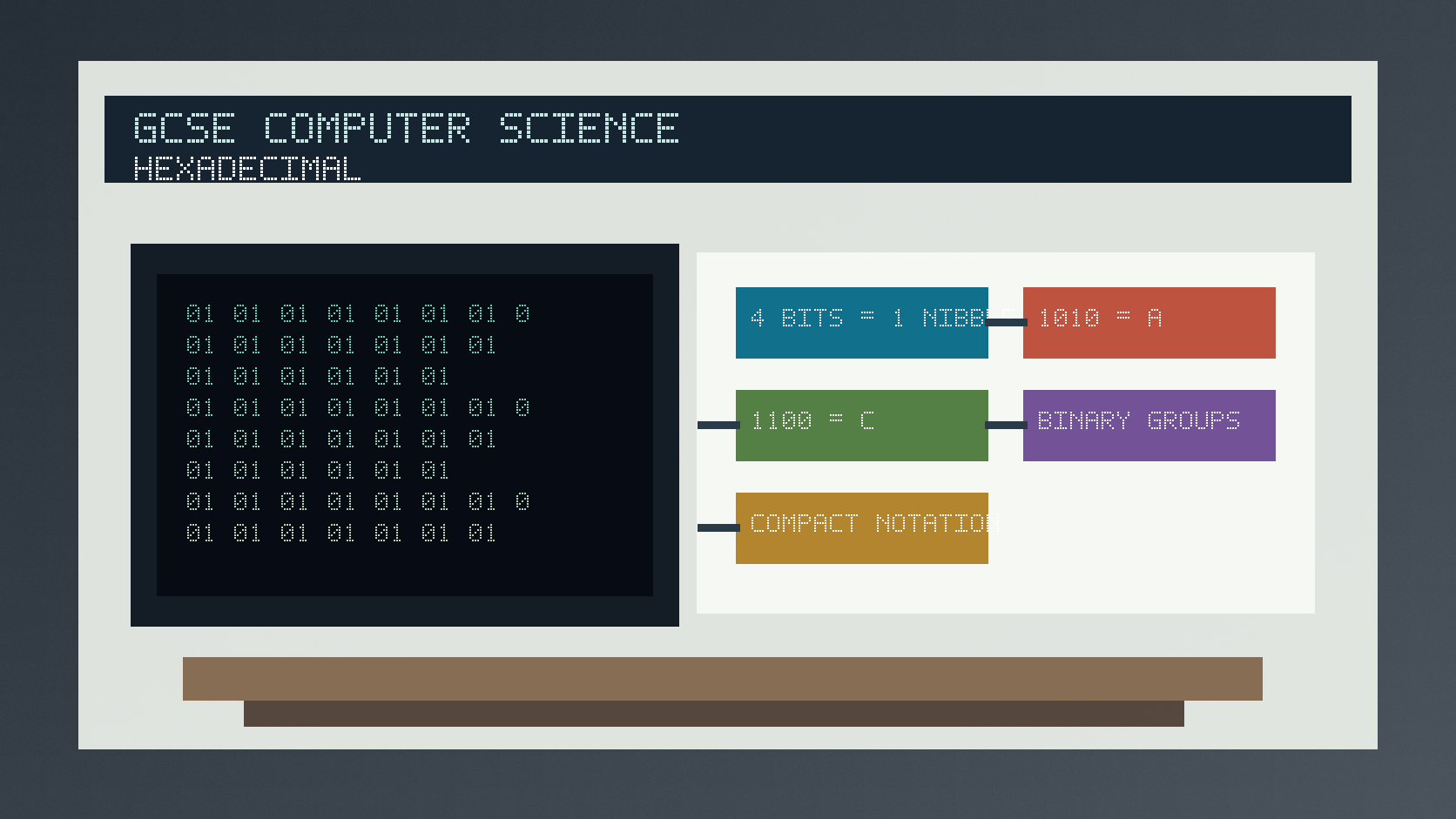
Hexadecimal conversion infographic
Explanation
Hexadecimal is base 16. It uses digits 0 to 9 and letters A to F, where A represents 10 and F represents 15.
One hexadecimal digit can represent exactly four binary bits. Four bits are called a nibble.
To convert 8-bit binary to hexadecimal, split the binary number into two nibbles and convert each nibble separately.
Worked examples
Converting 10101100 to hexadecimal
Split into nibbles: 1010 and 1100.
1010 is denary 10, so it is hex A.
1100 is denary 12, so it is hex C.
Answer: 10101100 is AC in hexadecimal.
Quick checks
1. How many bits are in one nibble?
- a. 8
- b. 16
- c. 4
Reveal answer
Answer: c. Correct. A nibble is four bits.
Not quite. A byte is usually eight bits.
2. Which hexadecimal digit represents denary 15?
- a. F
- b. A
- c. 10
Reveal answer
Answer: a. Correct. F represents denary 15.
Not quite. Hex digits after 9 run A, B, C, D, E, F.
Practice
1. Convert binary 1111 to hexadecimal.
Reveal answer
Answer: F.
Marking: Credit recognising 1111 is denary 15.
2. Convert binary 0101 1010 to hexadecimal.
Reveal answer
Answer: 5A.
Marking: Credit converting each nibble separately.
3. Convert hexadecimal C to a 4-bit binary nibble.
Reveal answer
Answer: 1100.
Marking: Credit C as denary 12.
4. Why is hexadecimal often easier to read than long binary?
Reveal answer
Answer: It is shorter while still mapping neatly to binary groups.
Marking: Credit compact representation and nibble mapping.
Exam practice ladder
- Fluency: recall the key term and use it accurately.
- Application: apply the idea to the scenario rather than giving a generic definition.
- Algorithmic reasoning: show the steps, condition or variable change clearly.
- Evaluation: explain why one method, structure or control is suitable.
Answers and marking guidance
Exact answers and marking guidance are hidden under each question. For this lesson, earn marks by naming the correct Computer Science idea, applying it to the scenario and showing the logic or value change clearly.
Common mistakes
- Treating A to F as variable names instead of digit symbols.
- Splitting binary into groups of three instead of four.
- Converting the whole binary string at once when nibble grouping is easier.
- Writing denary 10 instead of hexadecimal A.
Extension
Convert 11110000 to hexadecimal, then explain why each hex digit matches one nibble.
Next lesson
Next, continue with Binary Arithmetic and Storage Units.
Exam-board guidance
Aplailasain is an independent learning resource and is not endorsed by any exam board.
AQA GCSE Computer Science
AQA GCSE Computer Science: this skill supports problem solving, clear algorithms and accurate programming explanations.
OCR GCSE Computer Science
OCR GCSE Computer Science: expect precise algorithm reasoning, trace work and careful use of programming vocabulary.
Pearson Edexcel GCSE Computer Science
Pearson Edexcel GCSE Computer Science: practise explaining the method as well as giving the final answer or code.
Eduqas GCSE Computer Science
Eduqas GCSE Computer Science: secure the transferable idea first, then check how your class applies it in tasks.
WJEC Wales
WJEC Wales: use accurate terminology and show enough working for the examiner to follow your logic.
CCEA
CCEA: connect the idea to your class route and use the same algorithm, programming or systems vocabulary your teacher uses.