
Lesson overview
Explain how computers represent characters using binary codes in character sets.
Focus: Character sets, ASCII and Unicode.
What you will learn
- Define a character set as a mapping between characters and codes.
- Explain how ASCII represents a limited set of characters.
- Explain why Unicode supports a wider range of characters and symbols.
- Relate character set size to the number of bits needed.
Before you start
- Binary representation.
- Storage units.
- Everyday experience with letters, numbers and symbols.
Text encoding examples
Use simple character-code examples to explain why the same binary pattern must be interpreted using the correct character set.
Character sets, ASCII and Unicode infographic
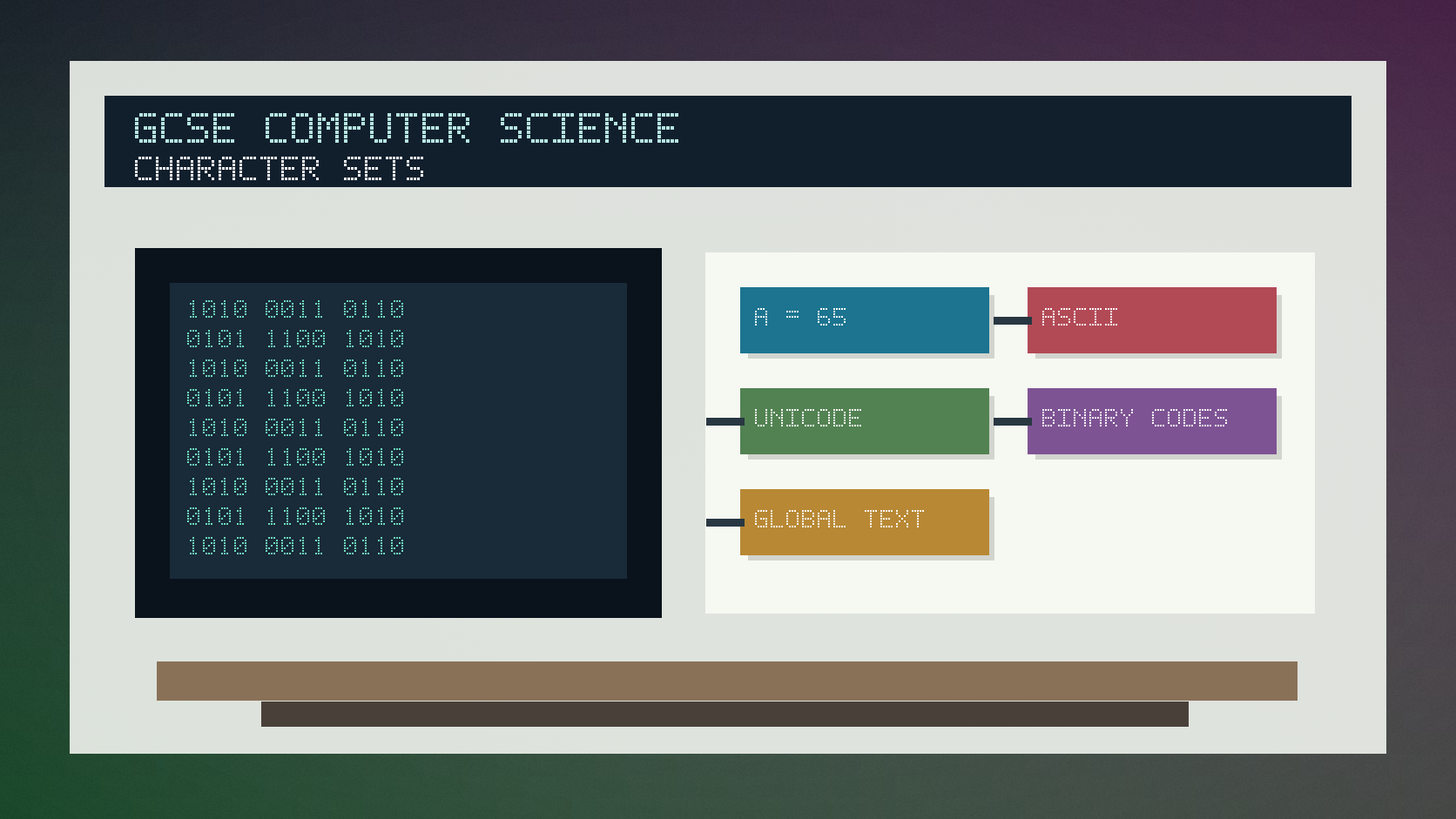
Explanation
A computer stores text as binary numbers. A character set defines which number represents each character.
ASCII is an older character set that can represent common English letters, digits, punctuation and control characters. Extended versions add more symbols, but the range is still limited.
Unicode is designed to represent characters from many languages and symbol systems. A larger character set needs enough bits or encoding rules to represent many more characters.
Worked examples
Explaining a character code
A character set might map denary 65 to the letter A.
The computer stores the code in binary.
Software uses the character set to display the intended character.
Answer: The binary value is data; the character set tells the computer which character it represents.
Quick checks
1. What does a character set provide?
- a. A mapping between characters and codes
- b. A faster processor
- c. A network address
Reveal answer
Answer: a. Correct. It maps characters to numeric codes.
Not quite. Think about how text becomes binary.
2. Why is Unicode useful?
- a. It removes the need for storage
- b. It supports many more characters and symbols
- c. It only stores images
Reveal answer
Answer: b. Correct. Unicode supports a much wider range of characters.
Not quite. Unicode is about representing text from many languages and symbol sets.
Practice
1. What is ASCII used for?
Reveal answer
Answer: Representing characters as numeric codes, especially common English letters, digits and symbols.
Marking: Credit character representation and codes.
2. Why might ASCII be unsuitable for a global messaging app?
Reveal answer
Answer: It cannot represent enough characters from all languages and symbol systems.
Marking: Credit limited character range.
3. What is stored for each character: the drawn shape or a code?
Reveal answer
Answer: A code.
Marking: Credit numeric or binary code, not the visual shape itself.
4. Why can a larger character set require more bits or more complex encoding?
Reveal answer
Answer: More unique characters need more unique codes.
Marking: Credit number of possible codes.
Exam practice ladder
- Fluency: recall the key term and use it accurately.
- Application: apply the idea to the scenario rather than giving a generic definition.
- Algorithmic reasoning: show the steps, condition or variable change clearly.
- Evaluation: explain why one method, structure or control is suitable.
Answers and marking guidance
Exact answers and marking guidance are hidden under each question. For this lesson, earn marks by naming the correct Computer Science idea, applying it to the scenario and showing the logic or value change clearly.
Common mistakes
- Saying ASCII stores every language and symbol.
- Confusing a font with a character set.
- Forgetting that the stored value is binary.
- Assuming one character always uses exactly one byte in every encoding.
Extension
Explain why a website should use a suitable character encoding when it stores users' names from different languages.
Next lesson
Next, continue with Bitmap Images and Colour Depth.
Exam-board guidance
Aplailasain is an independent learning resource and is not endorsed by any exam board.
AQA GCSE Computer Science
AQA GCSE Computer Science: this skill supports problem solving, clear algorithms and accurate programming explanations.
OCR GCSE Computer Science
OCR GCSE Computer Science: expect precise algorithm reasoning, trace work and careful use of programming vocabulary.
Pearson Edexcel GCSE Computer Science
Pearson Edexcel GCSE Computer Science: practise explaining the method as well as giving the final answer or code.
Eduqas GCSE Computer Science
Eduqas GCSE Computer Science: secure the transferable idea first, then check how your class applies it in tasks.
WJEC Wales
WJEC Wales: use accurate terminology and show enough working for the examiner to follow your logic.
CCEA
CCEA: connect the idea to your class route and use the same algorithm, programming or systems vocabulary your teacher uses.