
Lesson overview
Describe bitmap images using pixels, resolution, colour depth and file-size calculations.
Focus: Bitmap images, resolution and colour depth.
What you will learn
- Define a bitmap image as a grid of pixels.
- Explain resolution as the number of pixels in an image.
- Explain colour depth as the number of bits used for each pixel.
- Calculate basic uncompressed bitmap file sizes.
Before you start
- Binary and storage units.
- Multiplication.
- Understanding images as made from tiny picture elements.
Pixel-grid file-size examples
Use the width, height and colour-depth examples below to practise uncompressed bitmap size calculations.
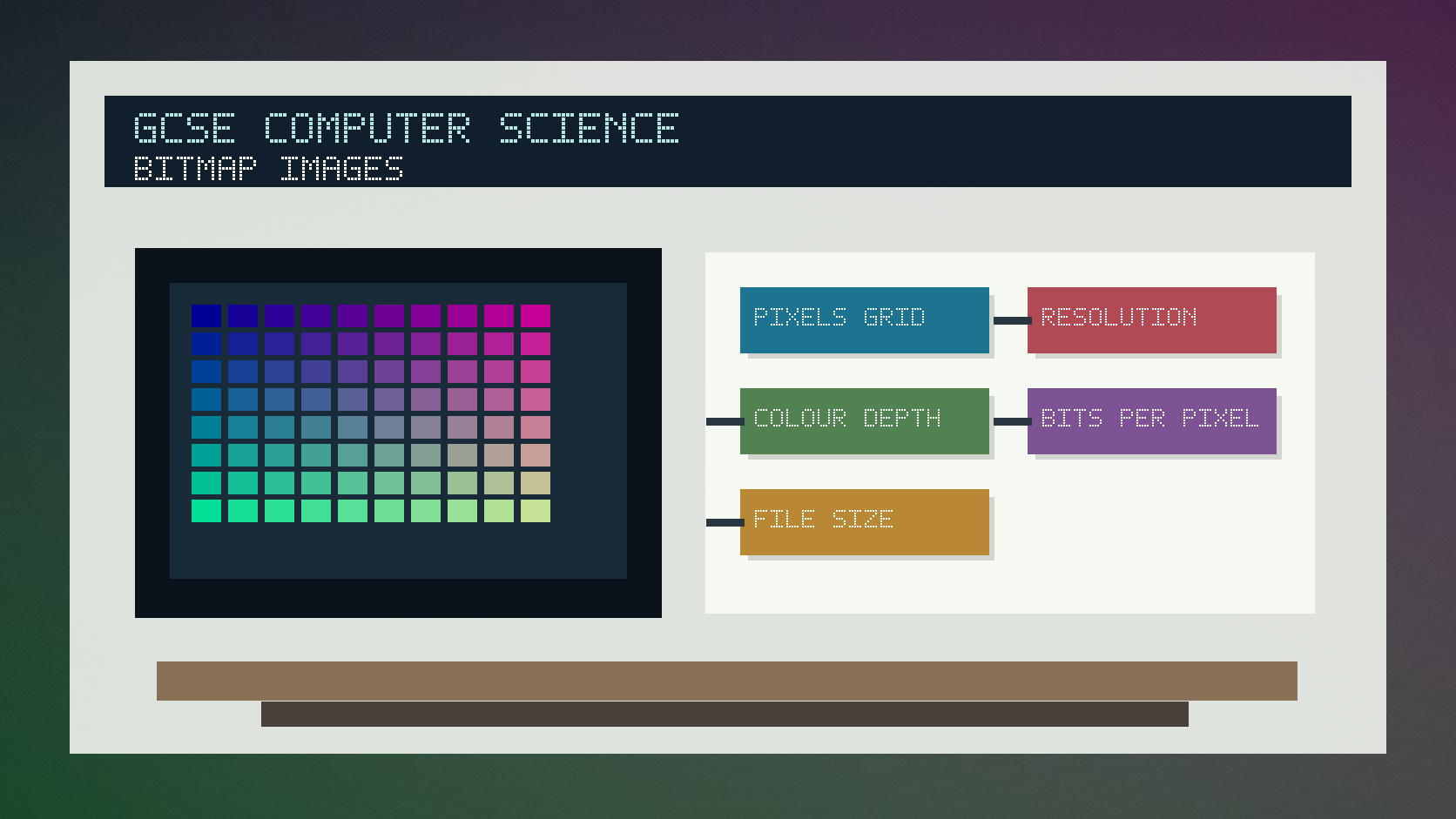
Bitmap images and colour depth infographic
Explanation
A bitmap image is stored as a grid of pixels. Each pixel needs data to describe its colour.
Resolution is usually described by width times height in pixels. More pixels can give more detail but increase the amount of data.
Colour depth is the number of bits used for each pixel. Higher colour depth allows more colours but increases file size.
Worked examples
Calculating bitmap size
An image is 100 pixels wide and 50 pixels high.
It uses 8 bits per pixel.
100 x 50 x 8 = 40,000 bits.
Answer: The uncompressed image data is 40,000 bits, before extra file information or compression.
Quick checks
1. What is a pixel?
- a. A whole network
- b. A single picture element
- c. A type of CPU register
Reveal answer
Answer: b. Correct. A bitmap image is made from pixels.
Not quite. Think about the tiny squares that make up an image.
2. What happens to file size if colour depth increases?
- a. It always becomes zero
- b. It stops using pixels
- c. It usually increases
Reveal answer
Answer: c. Correct. More bits per pixel means more image data.
Not quite. Each pixel needs more bits when colour depth rises.
Practice
1. Calculate the number of pixels in a 200 by 100 image.
Reveal answer
Answer: 20,000 pixels.
Marking: Credit 200 x 100.
2. A 10 by 10 image uses 4 bits per pixel. How many bits of image data are needed?
Reveal answer
Answer: 400 bits.
Marking: Credit 10 x 10 x 4.
3. Give one benefit of higher resolution.
Reveal answer
Answer: More detail.
Marking: Credit sharper or more detailed image.
4. Give one drawback of higher colour depth.
Reveal answer
Answer: Larger file size.
Marking: Credit more storage or bandwidth needed.
Exam practice ladder
- Fluency: recall the key term and use it accurately.
- Application: apply the idea to the scenario rather than giving a generic definition.
- Algorithmic reasoning: show the steps, condition or variable change clearly.
- Evaluation: explain why one method, structure or control is suitable.
Answers and marking guidance
Exact answers and marking guidance are hidden under each question. For this lesson, earn marks by naming the correct Computer Science idea, applying it to the scenario and showing the logic or value change clearly.
Common mistakes
- Adding width and height instead of multiplying them.
- Forgetting to multiply by colour depth.
- Confusing resolution with colour depth.
- Treating compressed and uncompressed file size as the same.
Extension
Calculate the uncompressed size in bytes of a 64 by 64 image using 8 bits per pixel.
Next lesson
Next, continue with Sound Sampling.
Exam-board guidance
Aplailasain is an independent learning resource and is not endorsed by any exam board.
AQA GCSE Computer Science
AQA GCSE Computer Science: this skill supports problem solving, clear algorithms and accurate programming explanations.
OCR GCSE Computer Science
OCR GCSE Computer Science: expect precise algorithm reasoning, trace work and careful use of programming vocabulary.
Pearson Edexcel GCSE Computer Science
Pearson Edexcel GCSE Computer Science: practise explaining the method as well as giving the final answer or code.
Eduqas GCSE Computer Science
Eduqas GCSE Computer Science: secure the transferable idea first, then check how your class applies it in tasks.
WJEC Wales
WJEC Wales: use accurate terminology and show enough working for the examiner to follow your logic.
CCEA
CCEA: connect the idea to your class route and use the same algorithm, programming or systems vocabulary your teacher uses.