
Lesson overview
Compare lossy and lossless compression and choose the right method for a scenario.
Focus: Lossy and lossless compression.
What you will learn
- Explain why compression reduces file size.
- Describe lossless compression as preserving all original data.
- Describe lossy compression as permanently removing some data.
- Choose a suitable compression method for text, image, audio and video scenarios.
Before you start
- Bitmap images and sound sampling.
- Storage units.
- Understanding that smaller files use less storage and bandwidth.
Compression scenario cards
Use the archive, photo, music and program-file examples below to decide whether lossy or lossless compression is suitable.
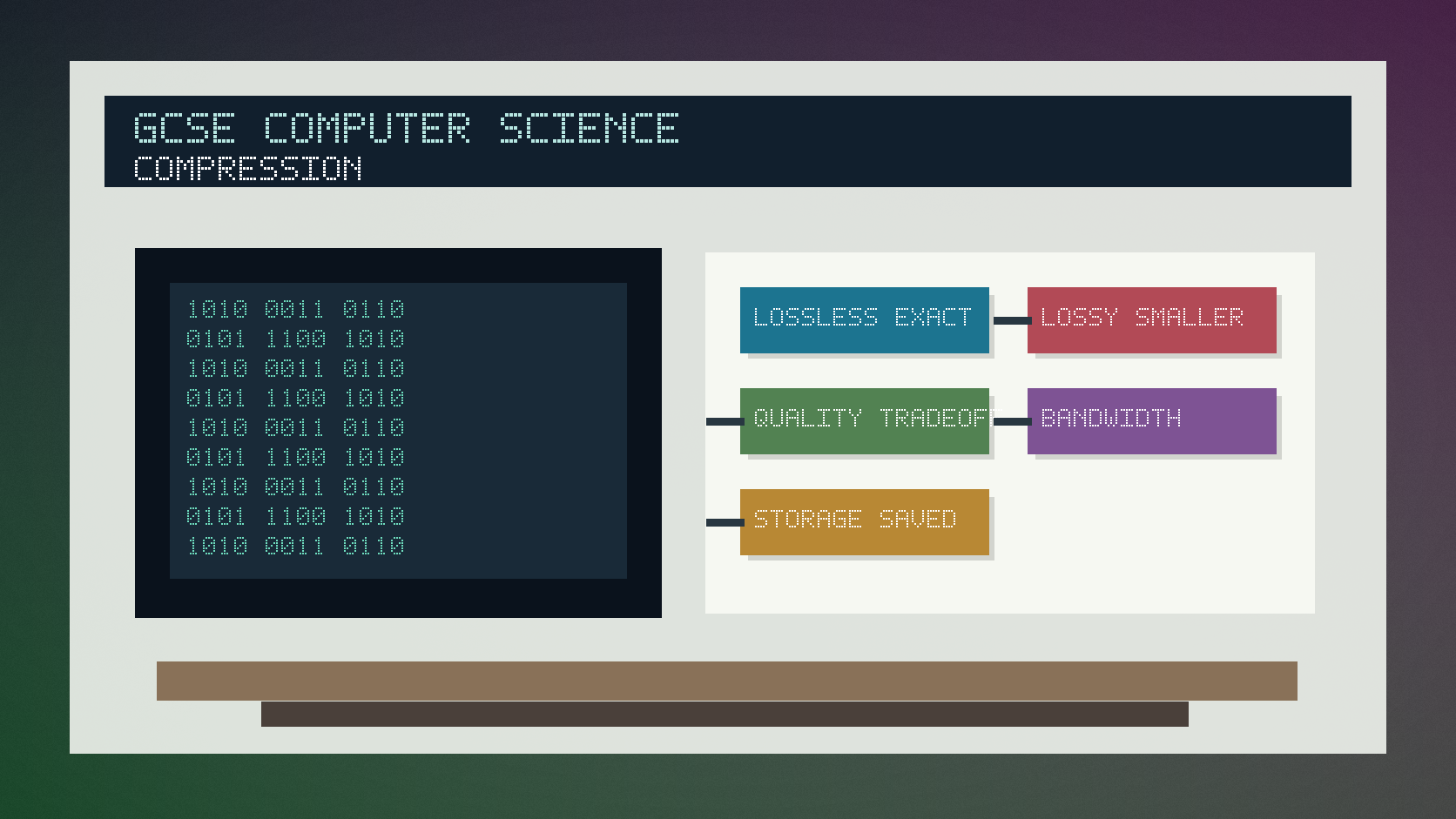
Lossy and lossless compression infographic
Explanation
Compression reduces file size so files need less storage and can be transferred more quickly.
Lossless compression allows the original data to be reconstructed exactly. It is suitable when every bit matters, such as text files, program files or some medical/scientific data.
Lossy compression removes data permanently, usually aiming to remove detail humans are less likely to notice. It is common for images, audio and video where smaller size matters more than perfect reconstruction.
Worked examples
Choosing compression
A school needs to compress a spreadsheet of exam results.
The original data must be restored exactly.
Any lost value would make the file unreliable.
Answer: Use lossless compression because the data must be reconstructed exactly.
Quick checks
1. Which compression type preserves all original data?
- a. Lossy
- b. Analogue
- c. Lossless
Reveal answer
Answer: c. Correct. Lossless compression can restore the original exactly.
Not quite. Lossy compression permanently removes some data.
2. Why is lossy compression often used for streamed video?
- a. It can greatly reduce file size
- b. It guarantees perfect reconstruction
- c. It turns video into ASCII
Reveal answer
Answer: a. Correct. Smaller files reduce storage and bandwidth demands.
Not quite. Think about the trade-off between size and quality.
Practice
1. Choose a compression type for a legal contract document and explain why.
Reveal answer
Answer: Lossless, because the exact original text must be restored.
Marking: Credit exact reconstruction.
2. Choose a compression type for preview images on a website and explain why.
Reveal answer
Answer: Lossy may be suitable because smaller file size matters and slight quality loss may be acceptable.
Marking: Credit scenario-based trade-off.
3. What is one benefit of compression?
Reveal answer
Answer: Reduced file size.
Marking: Credit less storage or faster transfer.
4. What is one drawback of lossy compression?
Reveal answer
Answer: Some original data is permanently lost.
Marking: Credit reduced quality or irreversible data loss.
Exam practice ladder
- Fluency: recall the key term and use it accurately.
- Application: apply the idea to the scenario rather than giving a generic definition.
- Algorithmic reasoning: show the steps, condition or variable change clearly.
- Evaluation: explain why one method, structure or control is suitable.
Answers and marking guidance
Exact answers and marking guidance are hidden under each question. For this lesson, earn marks by naming the correct Computer Science idea, applying it to the scenario and showing the logic or value change clearly.
Common mistakes
- Saying lossy and lossless are the same.
- Choosing lossy when exact reconstruction is required.
- Forgetting to mention the context of the file.
- Claiming compression always improves quality.
Extension
Explain why a photographer might keep a lossless original but export lossy copies for a website.
Next lesson
Next, continue with CPU and Fetch-Decode-Execute.
Exam-board guidance
Aplailasain is an independent learning resource and is not endorsed by any exam board.
AQA GCSE Computer Science
AQA GCSE Computer Science: this skill supports problem solving, clear algorithms and accurate programming explanations.
OCR GCSE Computer Science
OCR GCSE Computer Science: expect precise algorithm reasoning, trace work and careful use of programming vocabulary.
Pearson Edexcel GCSE Computer Science
Pearson Edexcel GCSE Computer Science: practise explaining the method as well as giving the final answer or code.
Eduqas GCSE Computer Science
Eduqas GCSE Computer Science: secure the transferable idea first, then check how your class applies it in tasks.
WJEC Wales
WJEC Wales: use accurate terminology and show enough working for the examiner to follow your logic.
CCEA
CCEA: connect the idea to your class route and use the same algorithm, programming or systems vocabulary your teacher uses.