
Lesson overview
Describe the role of the CPU and the stages of the fetch-decode-execute cycle.
Focus: CPU and fetch-decode-execute cycle.
What you will learn
- Describe the CPU as the component that processes instructions.
- Outline the fetch, decode and execute stages.
- Recognise the role of memory and registers in instruction processing.
- Explain how clock speed, cache and cores can affect performance.
Before you start
- Binary representation.
- Basic computer components.
- Sequence of instructions.
Instruction-cycle walkthrough
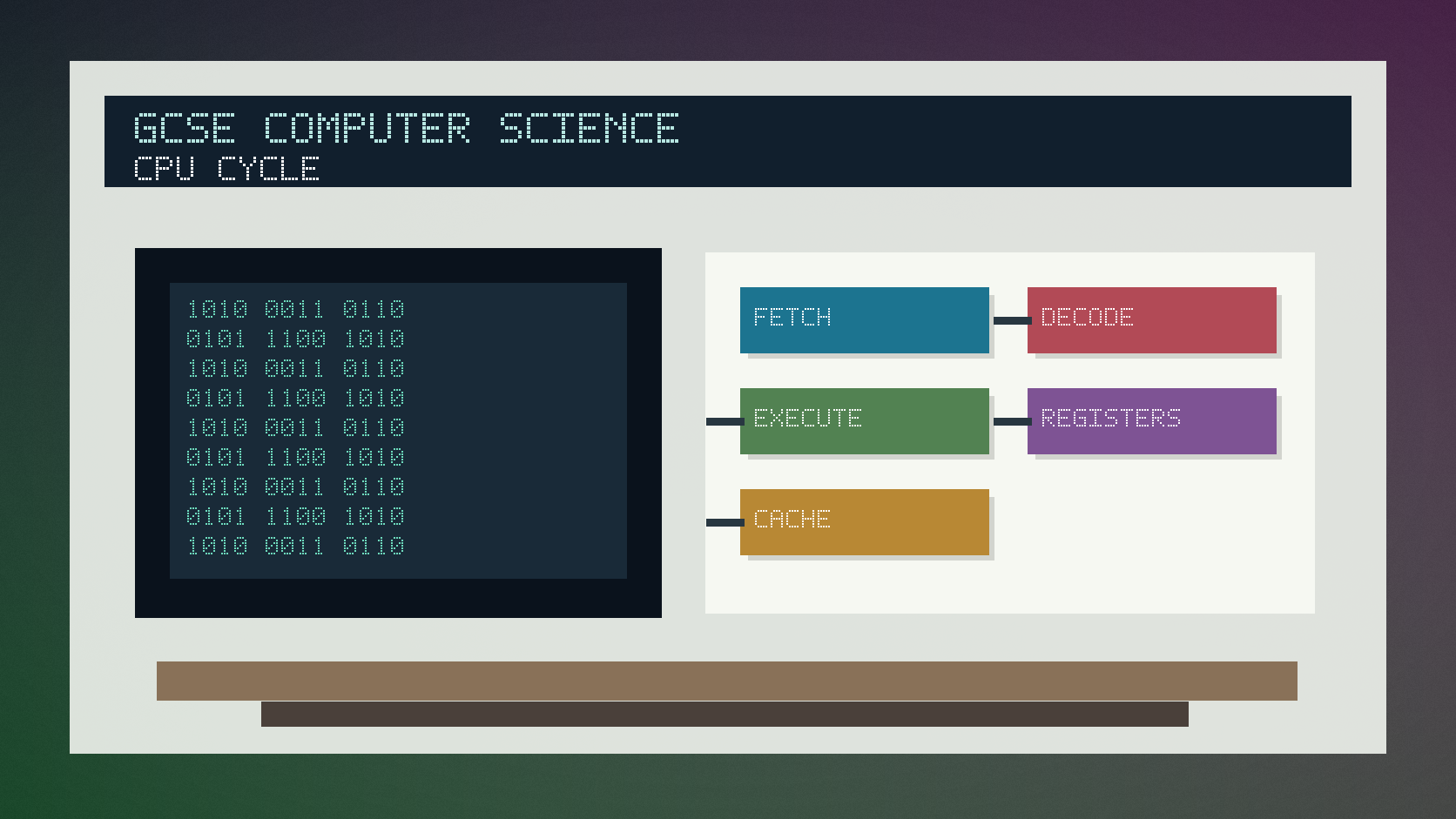
Use the short instruction-cycle cards below to put fetch, decode and execute in the correct order.
CPU and fetch-decode-execute cycle infographic
Explanation
The central processing unit, or CPU, carries out instructions that make programs run.
In the fetch stage, the CPU gets the next instruction from memory. In the decode stage, it works out what the instruction means. In the execute stage, it carries out the instruction.
Registers are very small, fast storage locations inside the CPU. Cache is fast memory close to the CPU that can store frequently used data and instructions.
Worked examples
Explaining one cycle
The CPU fetches an instruction from memory.
It decodes the instruction to identify the operation and data needed.
It executes the instruction, such as adding values or storing a result.
Answer: The cycle repeats many times while a program runs.
Quick checks
1. Which stage gets the next instruction from memory?
- a. Decode
- b. Compress
- c. Fetch
Reveal answer
Answer: c. Correct. Fetch retrieves the instruction.
Not quite. Decode interprets an instruction after it has been fetched.
2. What is cache used for?
- a. Fast access to frequently used data and instructions
- b. Printing documents
- c. Storing only passwords forever
Reveal answer
Answer: a. Correct. Cache is fast memory used to improve access time.
Not quite. Cache is about speed near the CPU.
Practice
1. Put the cycle stages in order: execute, fetch, decode.
Reveal answer
Answer: Fetch, decode, execute.
Marking: Credit correct order.
2. What does the CPU do in the decode stage?
Reveal answer
Answer: It works out what the fetched instruction means.
Marking: Credit interpreting the instruction.
3. Give one factor that can affect CPU performance.
Reveal answer
Answer: Clock speed, number of cores or cache size.
Marking: Credit any valid CPU performance factor.
4. Why are registers useful?
Reveal answer
Answer: They provide very fast small storage inside the CPU.
Marking: Credit speed and temporary storage.
Exam practice ladder
- Fluency: recall the key term and use it accurately.
- Application: apply the idea to the scenario rather than giving a generic definition.
- Algorithmic reasoning: show the steps, condition or variable change clearly.
- Evaluation: explain why one method, structure or control is suitable.
Answers and marking guidance
Exact answers and marking guidance are hidden under each question. For this lesson, earn marks by naming the correct Computer Science idea, applying it to the scenario and showing the logic or value change clearly.
Common mistakes
- Putting execute before fetch.
- Describing secondary storage instead of CPU registers.
- Saying more cores always doubles performance in every task.
- Forgetting that the cycle repeats while programs run.
Extension
Explain why increasing cache size may improve performance but does not guarantee every program runs much faster.
Next lesson
Next, continue with Memory and Secondary Storage.
Exam-board guidance
Aplailasain is an independent learning resource and is not endorsed by any exam board.
AQA GCSE Computer Science
AQA GCSE Computer Science: this skill supports problem solving, clear algorithms and accurate programming explanations.
OCR GCSE Computer Science
OCR GCSE Computer Science: expect precise algorithm reasoning, trace work and careful use of programming vocabulary.
Pearson Edexcel GCSE Computer Science
Pearson Edexcel GCSE Computer Science: practise explaining the method as well as giving the final answer or code.
Eduqas GCSE Computer Science
Eduqas GCSE Computer Science: secure the transferable idea first, then check how your class applies it in tasks.
WJEC Wales
WJEC Wales: use accurate terminology and show enough working for the examiner to follow your logic.
CCEA
CCEA: connect the idea to your class route and use the same algorithm, programming or systems vocabulary your teacher uses.