
Lesson overview
Compare RAM, ROM, cache and secondary storage by purpose, speed, capacity and volatility.
Focus: Primary memory and secondary storage.
What you will learn
- Distinguish primary memory from secondary storage.
- Describe RAM as volatile memory used for currently running programs and data.
- Describe ROM as non-volatile memory used for start-up instructions.
- Compare storage devices using capacity, speed, portability, durability and cost.
Before you start
- CPU and instruction processing.
- Storage units.
- Everyday examples of files and apps.
Storage-choice scenarios
Use the laptop, phone, school server and USB backup scenarios below to choose suitable memory or storage.
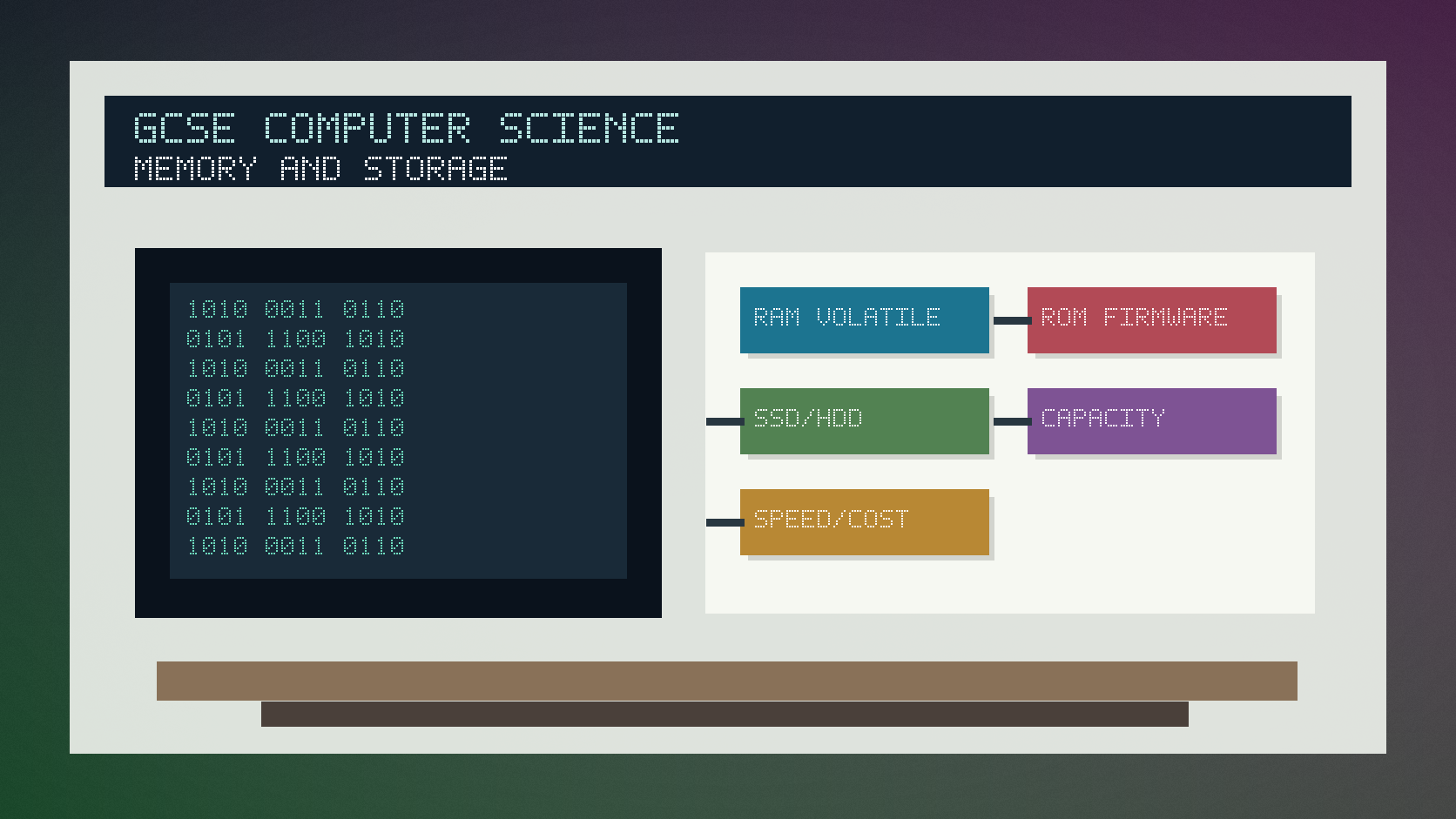
Memory and secondary storage infographic
Explanation
Primary memory is directly accessible by the CPU. RAM stores programs and data currently in use, but it is volatile, so contents are lost when power is off.
ROM is non-volatile and commonly stores firmware or start-up instructions that should remain when power is off.
Secondary storage keeps files and programs long term. Examples include SSDs, hard drives, optical media and flash storage, each with different speed, capacity, durability, portability and cost.
Worked examples
Choosing a storage type
A laptop needs fast internal storage for the operating system and applications.
An SSD has fast access times and no moving parts.
It is usually more expensive per GB than a hard drive.
Answer: An SSD is suitable when speed and durability matter more than lowest cost per GB.
Quick checks
1. What happens to RAM contents when power is off?
- a. They are lost
- b. They become Unicode
- c. They turn into cache permanently
Reveal answer
Answer: a. Correct. RAM is volatile.
Not quite. Volatile memory needs power to keep its contents.
2. Which type of storage is used for long-term files?
- a. Only CPU registers
- b. Secondary storage
- c. The arithmetic logic unit
Reveal answer
Answer: b. Correct. Secondary storage keeps files long term.
Not quite. Registers are tiny CPU storage, not long-term file storage.
Practice
1. Define volatile memory.
Reveal answer
Answer: Memory that loses its contents when power is switched off.
Marking: Credit power dependency.
2. Give one use of ROM.
Reveal answer
Answer: Storing start-up instructions or firmware.
Marking: Credit non-volatile boot or firmware role.
3. Give one advantage of an SSD over a hard drive.
Reveal answer
Answer: Faster access, more durable or quieter because it has no moving parts.
Marking: Credit valid SSD advantage.
4. Give one factor to consider when choosing secondary storage for backups.
Reveal answer
Answer: Capacity, cost, portability, durability, speed or reliability.
Marking: Credit any suitable comparison factor.
Exam practice ladder
- Fluency: recall the key term and use it accurately.
- Application: apply the idea to the scenario rather than giving a generic definition.
- Algorithmic reasoning: show the steps, condition or variable change clearly.
- Evaluation: explain why one method, structure or control is suitable.
Answers and marking guidance
Exact answers and marking guidance are hidden under each question. For this lesson, earn marks by naming the correct Computer Science idea, applying it to the scenario and showing the logic or value change clearly.
Common mistakes
- Saying RAM stores files permanently.
- Confusing memory with secondary storage.
- Forgetting ROM is non-volatile.
- Choosing a storage device without linking it to the scenario.
Extension
Compare SSD, hard drive and cloud storage for backing up school coursework, using at least three comparison factors.
Next lesson
Next, continue with Embedded Systems.
Exam-board guidance
Aplailasain is an independent learning resource and is not endorsed by any exam board.
AQA GCSE Computer Science
AQA GCSE Computer Science: this skill supports problem solving, clear algorithms and accurate programming explanations.
OCR GCSE Computer Science
OCR GCSE Computer Science: expect precise algorithm reasoning, trace work and careful use of programming vocabulary.
Pearson Edexcel GCSE Computer Science
Pearson Edexcel GCSE Computer Science: practise explaining the method as well as giving the final answer or code.
Eduqas GCSE Computer Science
Eduqas GCSE Computer Science: secure the transferable idea first, then check how your class applies it in tasks.
WJEC Wales
WJEC Wales: use accurate terminology and show enough working for the examiner to follow your logic.
CCEA
CCEA: connect the idea to your class route and use the same algorithm, programming or systems vocabulary your teacher uses.